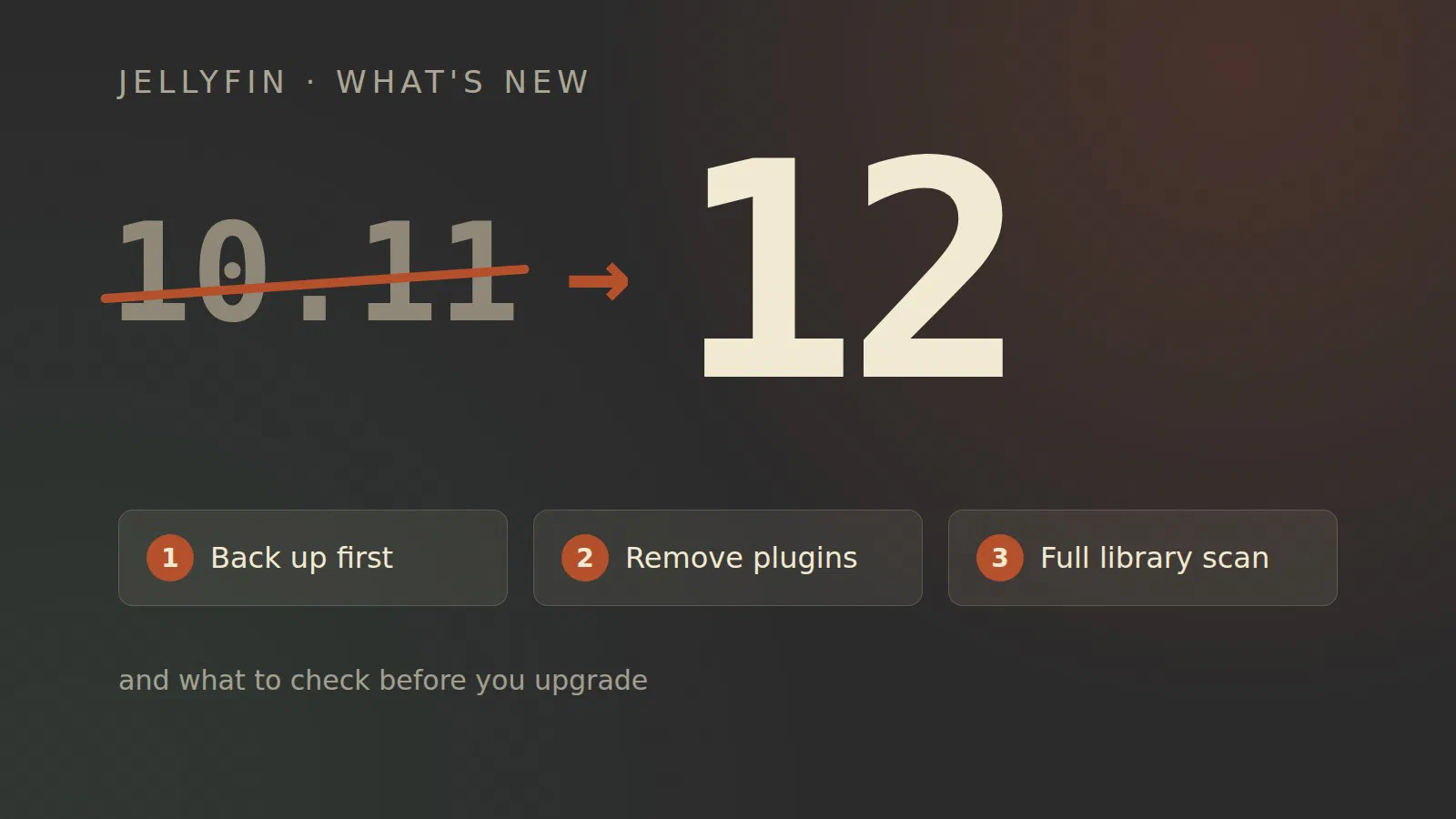
Jellyfin 12.0 came out on 7 September, and the first bugfix release, 12.1, followed a week later [1] [3]. If you run 10.11 today, the next version is not 10.12 and not 11. It is 12. Here is what is new, what breaks, and what to do before you press upgrade.
From 10.11 to 12
The number first, and a little history, because the obvious question is why a project that began in 2018 was on version 10 at all. Jellyfin started “in early December 2018 primarily as a result of Emby’s decision to take their next release (4.x) closed-source”, as a fork of Emby 3.5.2 [6]. The new project wanted a clean break from Emby’s version numbers, and chose to go up rather than down. The first Jellyfin release, in January 2019, was 10.0.0, and the plan was “10.X.Y, with X being major feature releases and Y being bugfixes” [7].
So every Jellyfin release since has started with “10.”, and the number
in the middle was the one that mattered. The project has now dropped
the 10: “The leading 10. never changed and
never told anyone anything, so all it did was push the number that
actually mattered into the middle position and make ‘major’ releases
look minor.” [1] 10.11 rewrote the library database, which
is a major release by any measure, but the number made it look like a
small update. So 12 is simply what comes after 10.11 when you stop
writing the 10.
The project describes the release as continuing “in the same direction as 10.11: finishing what the database conversion started, turning that new foundation into real performance work, and finally giving books and comics the support they have deserved for years.” [1]
What’s new
Multiple versions per episode
Movies have been able to have several versions for a long time, for example a 4K and a 1080p file shown as one item. Episodes can now do the same [2]. If you keep a small copy of a series for the tablet and a large one for the TV, they no longer show up as duplicates.
Faster, and the web interface has a new default
Much of the release is database work. Playlists and collections are stored properly, heavy database tasks no longer run during a library scan, and Resume, Next Up and Latest are faster to load [2]. The transcoder is built on FFmpeg 8.1 [2].
In the browser, the Modern layout is now the default and the old one is called Legacy [2]. You can switch back, but it tells you where the project is heading. There is also a “still watching” prompt, and the comma and full stop keys step through a video one frame at a time [2].
Collections, playlists and subtitles per library
Every library gets its own Collections and Playlists tabs, filtered to that library [2]. Subtitle settings have moved the same way: “The global subtitle configuration has been removed, subtitle settings are configured per library” [2]. If you had tuned the global subtitle settings, look at them again after the upgrade.
Better recommendations and search, through plugins
Plugins can now provide similar-item recommendations and take part in search, “letting plugins extend or replace how search results are produced” [2]. The first example ships with the server: ListenBrainz is bundled and supplies similar artists for music [2]. For most of us this will show up later, when plugin authors start using it.
Books and comics
Book metadata, covers and page counts are now read by the server itself, without a plugin, and the Bookshelf plugin is deprecated [2]. The web interface has a proper book library and a redesigned reader. The release notes are honest that this is “still maturing” [2]: book series are not there yet, and audiobook chapters only exist in the API so far.
Smaller things worth knowing
- You can filter on audio and subtitle language, in the Modern layout [2].
- Folder and file names can carry provider IDs for seasons and
episodes, and
tmdb,tvdbandimdbwork as short forms oftmdbid,tvdbidandimdbid[2]. - Episode numbers with three or more digits are supported [2]. Good news for long-running anime and soaps.
- External subtitles can be embedded into the MKV when transcoding, and VobSub subtitles (the kind from DVDs) are supported [2].
- A missing-episode provider for TMDb [2].
Breaking changes
This is the part to read before upgrading.
- Very old apps stop working. “Support for the legacy
/emby/and/mediabrowser/addresses has been removed, and the deprecated way of signing in is now disabled, including on existing servers.” [1] The official apps are not affected. An old third-party app, or a script that talks to the server, may be. Jellyfin’s own rule for its client list is that an app must support the latest stable server [5], so that list is the place to check. - Plugins built for 10.11 will not load. The server now runs on .NET 10 and plugins “have to be retargeted and rebuilt” [2].
- The sort order may change. Sorting by name uses different fields than before, and “Library ordering may change compared to 10.11” [2].
- Usernames that differ only in upper and lower case (“Jan” and “jan”) have to be fixed before the upgrade [2].
- Artwork is no longer enlarged. Low-resolution images are shown at their real size [2].
.oggfiles are audio only now, not video [2].- Debian 11 (Bullseye) and Ubuntu 20.04 (Focal) packages are no longer built [2]. If your server runs on one of those, the operating system has to be upgraded first.
- Custom themes may need adjusting, because all themes now build on one shared base [2].
Upgrading safely
The release changes the database in a way “that prevent rolling back without a full restore” [2]. So the order matters:
- Be on 10.10.7 or 10.11 first. Direct upgrades from those are supported. From anything older, go to 10.10.7 first [2].
- Stop Jellyfin and take a full manual backup of the data and
config directories [1]. On Debian those are
/var/lib/jellyfinand/etc/jellyfin[4]. Stopping the server first matters: “otherwise the database will be locked and might not be recoverable when restoring” [4]. If Jellyfin runs in a container or a VM on Proxmox, a backup or a snapshot of the whole guest while it is stopped does the same job. - Remove third-party plugins. Add them back afterwards, when their authors have released builds for 12 [1]. If you had switched to the unstable plugin repository, switch back to the stable one [2].
- Upgrade, and give the first start time. The server cleans up and converts existing data on first boot [2].
- Run a full library scan. This one is required, not optional: alternative versions that Jellyfin had grouped automatically are removed by the migration, and the scan brings them back [2]. “The first scan after upgrading will take significantly longer than normal, and some movies may appear as newly added. This is expected.” [1]
If it goes wrong, the way back is to restore the backup on the old version. There is no downgrade [2].
Should you upgrade now?
Go straight to 12.1, not 12.0. It has 47 fixes, and several are about exactly the things an upgrade touches: the database migration and its pre-migration backup, library scans, and versions of a video that were still listed separately from their group [3].
I would upgrade now if the server is for you and your household, you use the official apps, and you have a backup you trust. I would wait if you depend on a third-party plugin that has no build for 12 yet, or on an older app on a TV that can’t be updated. Check those two things first; everything else on the list above is small.
I’m building mine on 12
I am about to set up Jellyfin from scratch at home, in a container on Proxmox, and it will start its life on 12. That becomes a series here on the site, Jellyfin at home, starting on 6 November: the container, a media library Jellyfin understands, hardware transcoding, apps and remote access, and backups and upgrades. The last part is where the checklist above gets tested for real.
Sources
- Jellyfin 12.0 (Jellyfin blog), pulled 2026-10-04
- Release notes for 12.0 (GitHub), pulled 2026-10-04
- Jellyfin Server 12.1 release notes (GitHub), pulled 2026-10-04
- Backup and restore (Jellyfin documentation), pulled 2026-10-04
- Clients (Jellyfin documentation), pulled 2026-10-04
- About Jellyfin (Jellyfin documentation), pulled 2026-10-04
- Release version 10.0.0, issue #253 (GitHub), pulled 2026-10-04