Zfs

New Proxmox homeserver

My home servers · Part 4

New Proxmox homeserver

last modified by Jan Holbo Rasmussen

My current Proxmox server

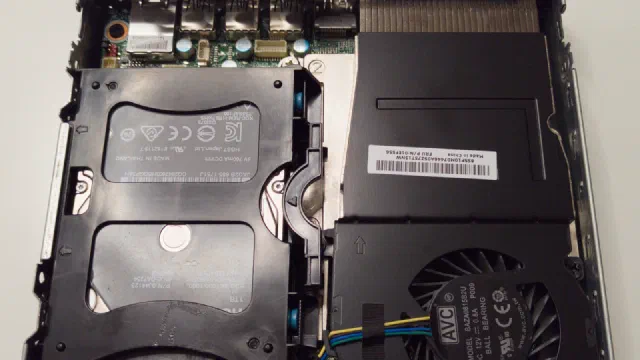
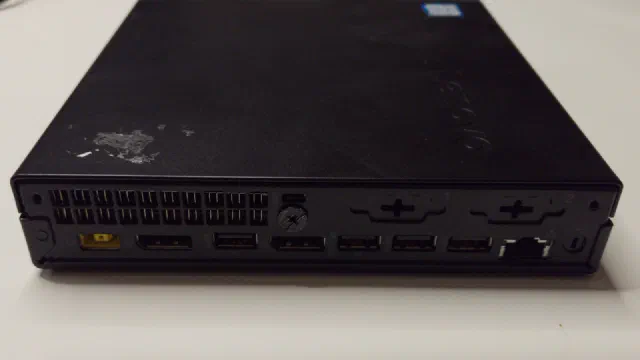
My main Proxmox server is called phoebe. It is a Lenovo Tiny PC with an AMD Ryzen 5 PRO 3400GE processor and 64 GB of RAM, and it runs a couple of LXC containers (Nextcloud among them) and a few virtual machines.

Its storage used to be an NVMe drive for booting and two spinning drives in an OpenZFS mirror: a 4 TB 2.5" hard disk drive inside the case and an 8 TB external drive connected via USB 3. That gave 4 TB of usable space, as the smallest drive in a mirror dictates the capacity.

Read article →
Homelab backup strategy: 3-2-1 in practice, not just in theory

Homelab backup strategy: 3-2-1 in practice, not just in theory

by Jan Holbo Rasmussen

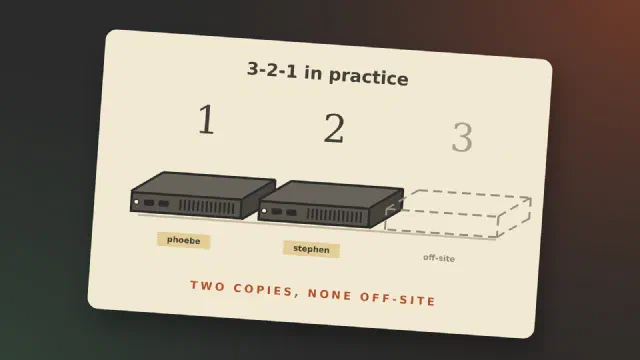
Most posts about backup explain the 3-2-1 rule and then show a setup that follows it. I can’t write that post yet. What I can do is go through the rule, hold my own homelab up against it, and show where it falls short today.

The 3-2-1 rule, briefly

Backblaze puts the rule in one sentence: “keep three copies of your data on two different media with one copy off-site” [1]. The three copies include the original, so it is the data you work on plus two more [1]. “Two different media” comes from the time of tape and CDs. Today Backblaze reads it as two different devices [1]. Off-site means a place that a fire, a burglary or a lightning strike at home doesn’t reach.

Read article →
Setting up a Proxmox Virtual Environment server

Proxmox from scratch · Part 1

Setting up a Proxmox Virtual Environment server

last modified by Jan Holbo Rasmussen

This is the first part of Proxmox from scratch. By the end of it you have a server running Proxmox Virtual Environment, reachable from a browser and up to date. The following parts build on it: virtual machines, containers, storage, networking and backups.

Everything here is done on Proxmox VE 9.2, which came out in May 2026 [7]. If you find an older guide for version 8, be aware that 8 stopped getting security updates on 31 August 2026 [7].

Read article →
Reconnecting FatAgnus - part 1

Reconnecting FatAgnus - part 1

by Jan Holbo Rasmussen

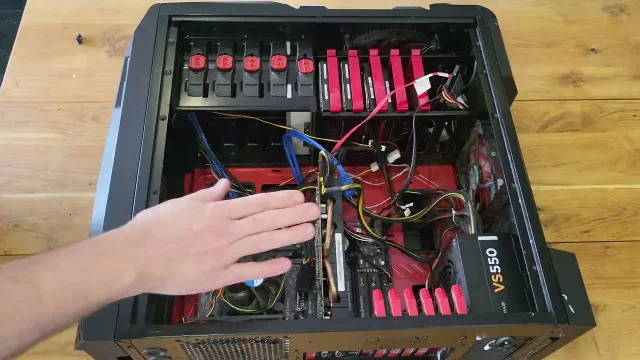
Some of my family’s data resides on a ZFS pool made up of 4 disks that are mirrored two and two. This data has been offline for a little while and I need to reconnect it to look through and reorganise our data storage. The YouTube video futher down this article documents my endeavours to get to these files and data

In this first part I will be looking at the computer I intend to use for this task and I install TrueNAS Scale. The drives are already in the server but I may need to reorganise the hardware a bit.

Read article →
Setup 2024 - taking stock of my servers

My home servers · Part 3

Setup 2024 - taking stock of my servers

last modified by Jan Holbo Rasmussen

Note

Update, October 2026: my setup has changed since this post; the ML150 G6 is retired. See New Proxmox homeserver and the rest of the My home servers series.

It is time for taking stock of my servers. My setup has evolved a bit, but not as well planned as I would like it to have. I currently have 4 servers - 5 if you count my Linode/Akamai VPS but only one of them is actual dedicated server hardware.

Read article →
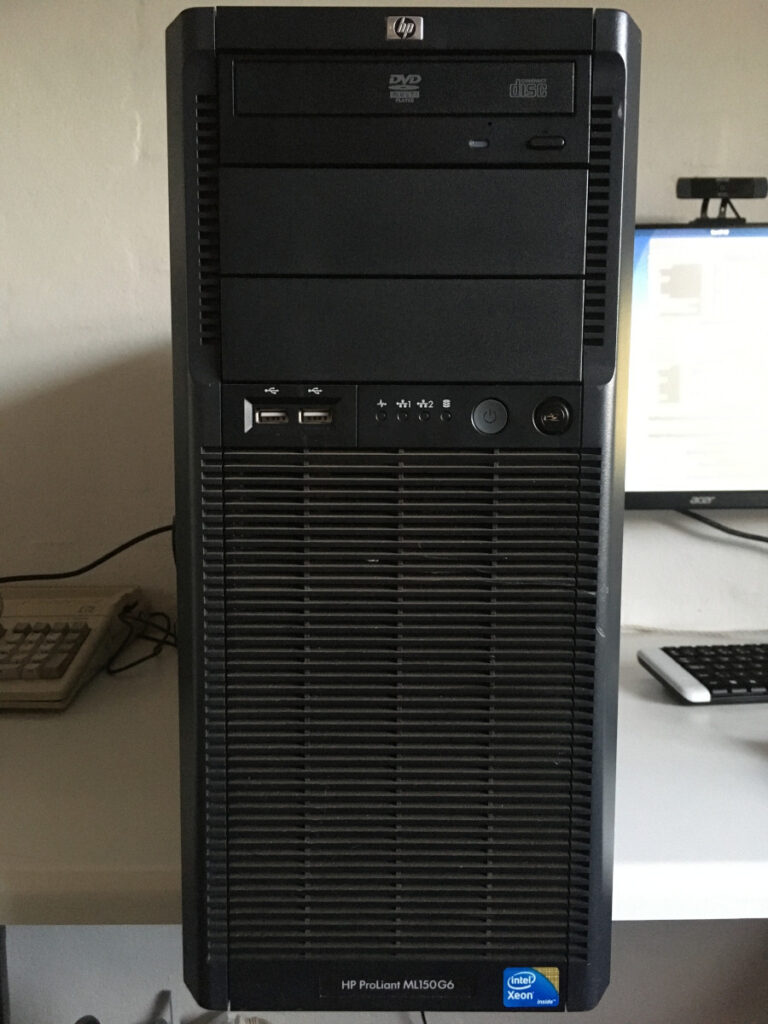
Setting up a Home Server using an old (2009) HP Proliant ML150 G6

My home servers · Part 1

Setting up a Home Server using an old (2009) HP Proliant ML150 G6

by Jan Holbo Rasmussen

Having a Home Server enables you to host locally your files and services. It might save you some money subscribing to paid (cloud) solutions. And enable you to try out cool things like containers and Virtual Machines. In this post I will document how I setup my current Home Server. I am using an old HP Proliant ML150 G6 I was given. This is a 5U tower server from 2009 with a Dual CPU motherboard.

Read article →