This is the fourth part of Proxmox from scratch. In part 2 and part 3 we created a virtual machine and a container, and both times I put their disks on a storage called vmdatanvme and promised to explain it later. This is later.
The post has two halves. The first is a tour: how Proxmox thinks about storage, and the kinds it can use, from a folder on the server’s own disk to Ceph spread over several servers. The second is what I do on my own servers, and here there is a twist. In part 7 my servers become a cluster, and in part 8 guests move between them. For that to work, the storage has to be set up the same way on every server, and that is easiest to get right now, before there is a cluster.
Having a homeserver lets you host your own services. There are a lot of
ways to do this. This post explains what a hyperconverged hypervisor
is, why I want one, and why I don’t have one yet.
I do not have the luxury of buying new specific hardware that fits the
jobs I am looking to solve. I often have to make do with 2nd (or even
3rd) hand hardware to be able to have the systems that run both my
business as well as protect our personal data such as photos and
important documents.
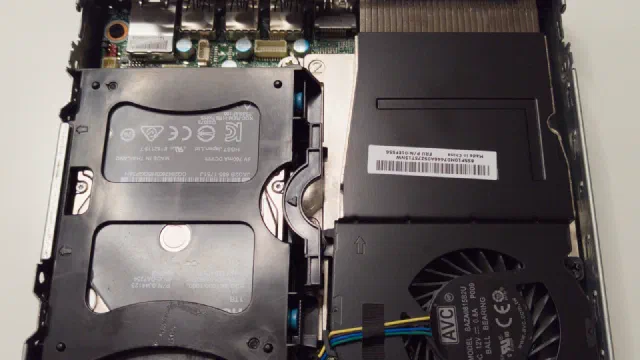
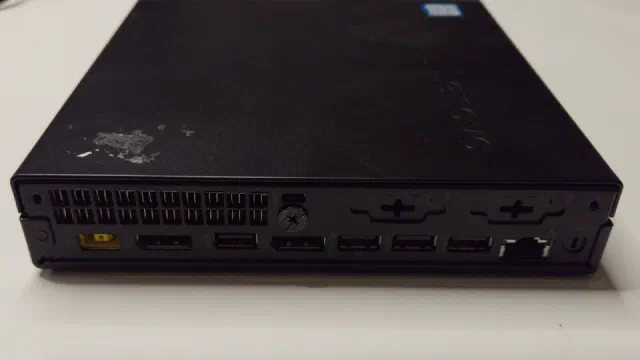
My main Proxmox server is called phoebe. It is a Lenovo Tiny PC with an AMD Ryzen 5 PRO 3400GE processor and 64 GB of RAM, and it runs a couple of LXC containers (Nextcloud among them) and a few virtual machines.
Its storage used to be an NVMe drive for booting and two spinning drives in an OpenZFS mirror: a 4 TB 2.5" hard disk drive inside the case and an 8 TB external drive connected via USB 3. That gave 4 TB of usable space, as the smallest drive in a mirror dictates the capacity.
This is the first part of Proxmox from scratch. By the end of it you
have a server running Proxmox Virtual Environment, reachable from a
browser and up to date. The following parts build on it: virtual
machines, containers, storage, networking and backups.
Everything here is done on Proxmox VE 9.2, which came out in May 2026
[7]. If you find an older guide for version 8, be aware that
8 stopped getting security updates on 31 August 2026 [7].
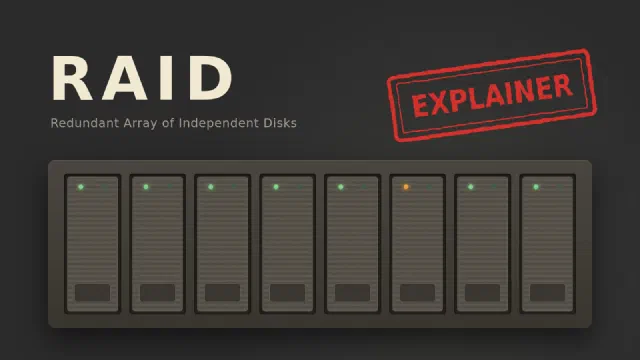
Reading about servers and storage you might have wondered: What is RAID? RAID is a method of melting multiple harddrives together to form a (often) larger logical drive. The acronym expands to either Redundant Array of Inexpensive Disks or Redundant Array of Independent Disks.
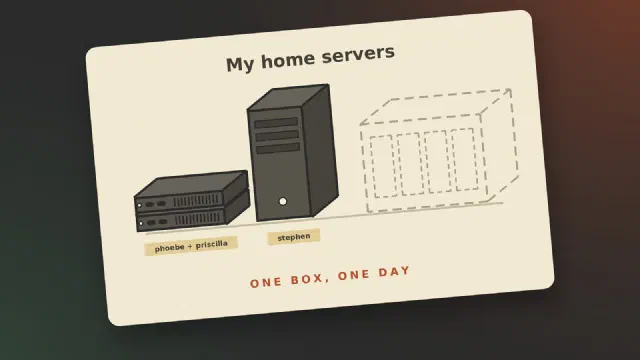
It is time for taking stock of my servers. My setup has evolved a bit, but not as well planned as I would like it to have. I currently have 4 servers - 5 if you count my Linode/Akamai VPS but only one of them is actual dedicated server hardware.
Servers as of February 2024
Server number 1 is a Raspberry Pi 4B 2 GB running my Home Assistant and Unifi controller. This boots off a 2.5" 250 GB SSD connected via USB.