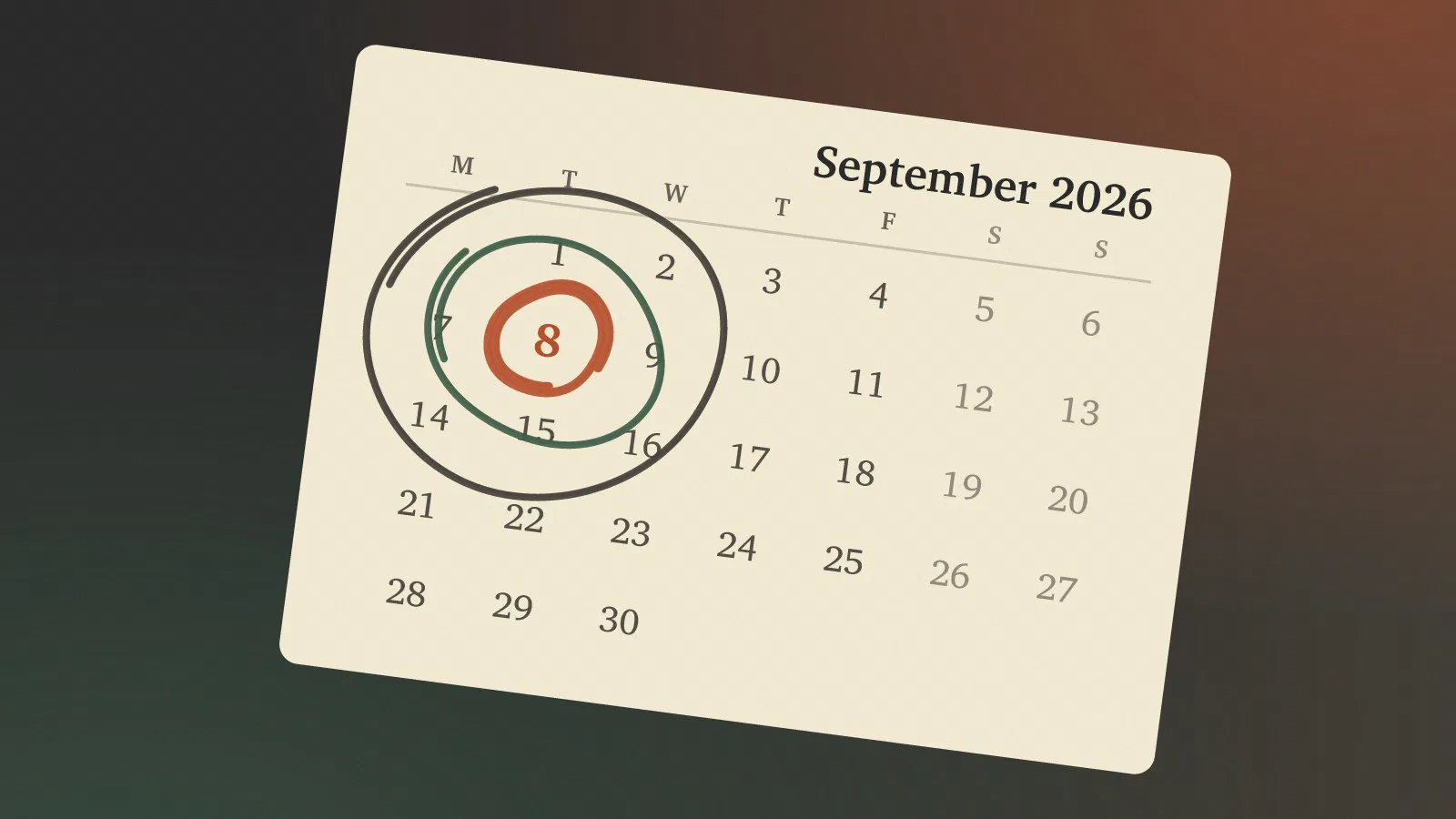
September’s Patch Tuesday was the biggest Microsoft has ever shipped, and one of the updates in it broke copy and paste in Excel. Together they make a good argument for something small IT departments often skip: letting a few people get the updates first.
What shipped on 8 September 2026
A record count, however you count it
How big depends on who you ask. BleepingComputer counted 966 vulnerabilities [1], Tenable 964 [2], the Zero Day Initiative 972 new Microsoft CVEs [3] and SecurityWeek 974 [4]. When I first noted the idea for this post I wrote down 973, which is roughly what you get from reading enough headlines.
The numbers differ because everyone draws the line somewhere else. BleepingComputer leaves out 204 flaws Microsoft had already fixed earlier in September, in cloud services like Entra ID and Copilot Studio and in the Chromium-based Edge [1]. ZDI counts only new Microsoft CVEs, and says the total reaches 997 once you add the external and Chromium bugs documented the same month [3]. Even the Critical count varies: 105 at BleepingComputer, 104 at Tenable, 114 at ZDI [1], [2], [3]. Nobody is wrong. For an admin the exact figure matters less than the fact that it’s close to a thousand, and ZDI calls that “the new normal” [3]. By product, SecurityWeek puts 723 in Windows and 222 in Office, 111 of them in Office 2016 alone [4].
The two actively exploited zero-days
Two of them were already being exploited. CVE-2026-81963 is a link-following bug in the Windows Update Stack that, in Microsoft’s words, “allows an authorized attacker to elevate privileges locally” [1]. CVE-2026-85880 is a heap-based buffer overflow in Windows Advanced Local Procedure Call (ALPC), with the same result [1]. Tenable scores both at CVSS 7.8, rated Important [2].
“Local” and “authorized” mean the attacker needs a foothold on the machine first. In a Microsoft 365 shop the usual foothold is a user who opened the wrong attachment, and a bug like these turns that user’s session into control of the whole laptop.
Both are fixed in the Windows cumulative updates: KB5124008 and KB5122880 for Windows 11, and KB5122878 for Windows 10 on extended security updates [1].
The Excel regression: KB5002914
What broke: paste, AutoFill and formula dragging
The first user reports came in on 9 September, and Günter Born had a post up on the 10th [5]. You copy, you paste, and nothing happens. Microsoft’s description: “Paste operations might fail silently. When this issue occurs, the source remains selected and the destination remains unchanged.” [6] There’s no error message, not even a beep [7]. AutoFill and dragging a formula down a column failed the same way [8]. Microsoft listed it as a known issue on 11 September [9] and blamed “a code regression contained within a recent service update” [8].
The silence is what bothers me. A crash gets reported to IT straight away. A paste that quietly didn’t happen gets noticed when the budget doesn’t add up, if anyone notices at all.
Which versions were affected
KB5002914 itself is the security update for the MSI (Windows Installer) edition of Excel 2016 [6]. The same regression was in the September builds of the Click-to-Run versions, so Microsoft lists Excel 2016, 2019, 2021 and 2024 as affected [8], and Born’s readers reported it on Office LTSC 2021 and 2024 too [5].
Microsoft 365 Apps, the subscription version, got off lightly. It wasn’t officially listed as affected, and Office Watch found no reliable reports of Excel 365 being hit [10]. Born has a single report from Current Channel (Version 2608, Build 20326.20144) [5]. So the people who got hurt were mostly on the perpetual versions, which is where plenty of small businesses still sit with the Office they bought once.
As we are running Microsoft 365 mostly on the Current and Monthly Enterprise channels with a few on the Semi-Annual Enterprise Channel I think we got off easily - I haven’t had any reports on this, but haven’t asked about it either.
The workaround: uninstalling the update
Microsoft’s workaround was to remove the update: uninstall KB5002914 on
the MSI edition of Office 2016, or roll Click-to-Run back to the previous
build with OfficeC2RClient.exe. BleepingComputer has the exact commands
for each version [8]. If you can’t uninstall, Paste Special and
then Values still works [10].
There’s a proper fix now. On 16 September Microsoft released KB5002665 for Excel 2016, a non-security update that fixes the paste issue, available only from the Download Center [11]. By 21 September there were fixed builds for Office LTSC 2019 (Build 10417.20208), LTSC 2021 (Build 14334.20918), LTSC 2024 (Build 17932.21000) and Office Online Server (KB4461632), and Office Online was fixed on the 23rd [12]. You have to download and install these yourself, though, and in Office 2016 and LTSC 2019 paste can still fail in workbooks with conditional formatting. Until that’s sorted, Microsoft suggests Paste Special (Ctrl+Alt+V) [12].
If you rolled back in mid-September, check that you’ve gone forward again.
The dilemma: roll back or live with it
I started this post believing that rolling back the Excel update would also reopen the two zero-days. It doesn’t, and the reason is more useful than the dilemma was.
Why the zero-days and the Excel bug are separate updates
The zero-days are fixed by the Windows cumulative updates [1]; the Excel bug came with an Office update. Rolling Office back leaves Windows fully patched.
The rollback still costs something. According to Microsoft, KB5002914 fixes 28 remote code execution and information disclosure vulnerabilities in Excel 2016 [6] (Windows Latest counts 29 [7]), and September’s list has several Critical remote code execution bugs in Excel [1]. A booby-trapped spreadsheet is a good way to get the foothold the Windows bugs need, which is why Windows Latest advised leaving the update on [7].
So the actual trade was working paste against a week or two of Excel with holes that were published but, as far as anyone has said, not exploited. On the machine where someone does the month-end close in Excel, I’d probably have rolled back and asked them to be extra careful with attachments. Everyone else would have kept the update and learned Paste Special.
Again as mentioned above, I did not have to make that call as we are on the subscription versions.
What strikes me more is that it didn’t have to be one decision for the whole company. If the update had gone to five people first, it would have been five people’s problem.
Ring-based deployment
Pilot, early adopters, broad
Microsoft’s guidance splits devices into rings that get an update one after another. Their usual example has three: Preview (mostly IT), Limited for pilot and validation, and Broad for everyone else. Other names work just as well, like “Canaries > Early Adopters > Users” [13].
Limited is the ring that matters, and Microsoft has a sentence about it that small IT departments should pin to the wall: “The IT department, lab devices, and users with the most cutting-edge hardware usually don’t have the applications or device drivers that are truly a representative sample of your network.” [13] My own laptop would never have caught the Excel bug. The person in finance who copies columns between workbooks all day would have caught it before lunch.
Microsoft also describes a “red button” approach, where the update keeps flowing until someone finds a problem and stops it, and a “green button” one, where nothing moves until someone has approved it. If speed is the goal, they prefer the red button [13], and for a small team so do I. Nobody has time to sign off on every update, but anyone can press stop. And not updating, might end up with a version that is more open.
Windows Update rings and Autopatch
In Intune, Windows rings are update ring policies. They set deferral periods, deadlines and restart behaviour, and you assign them to device groups, so a pilot ring and a production ring can behave differently [14]. You need Intune Plan 1 [14]. Learn two of the buttons before you need them: Pause stops feature or quality updates for up to 35 days, and Uninstall rolls back the latest quality or feature update on the devices in that ring [14].
Windows Autopatch manages the rings for you. It covers Windows, Microsoft 365 Apps for enterprise, Edge and Teams, and since April 2025 its features come with Business Premium as well as the Enterprise licences [15]. An Autopatch group always has two rings, Test and Last, which Microsoft calls the recommended minimum, and you can have up to 15 [16].
Windows rings alone wouldn’t have stopped the Excel bug on Click-to-Run, since Office updates itself from Microsoft’s content delivery network [17]. For Office, the lever is the update channel.
Microsoft 365 Apps update channels
Current Channel gets new features as soon as they’re ready, with two or three releases a month. Monthly Enterprise Channel gets one update a month, on Patch Tuesday. Semi-Annual Enterprise Channel is now meant for non-interactive and business-critical devices, and from July 2026 it gets monthly feature updates as well [17]. Current Channel is the default for Microsoft 365 Apps for business and for enterprise [17], so unless someone changed it, that’s what you have. File > Account in any Office app shows it [17].
Security updates, though, arrive on the second Tuesday of the month in all three channels [17]. The channel mostly decides when new features show up. Where it helps is as a home for a pilot. Microsoft recommends putting a small, representative group on Current Channel (Preview), which gets each new version a week or more before Current Channel [17]. Monthly Enterprise Channel has no preview channel, but you can let a select group update first, and it can roll back as far as three months [17]. When an update breaks paste, a three-month rollback window is what you want.
One practical snag: the channel setting in the admin center (Org settings, Microsoft 365 installation options) applies to everyone in the tenant [17], so a pilot group needs a policy aimed at its devices instead.
What a small shop can realistically do
Most of this is written for organisations with a patch team. In a small shop “IT” is one or two people who also fix the meeting room screens.
Two rings are enough. A pilot of three to five people plus everyone else is what Autopatch gives you out of the box with Test and Last [16]. Pick the pilot by the work they do: the heaviest Excel user, whoever runs the odd line-of-business app, someone on your oldest hardware. Leave yourself out of the count.
Give the broad ring a few days’ deferral on quality updates, and be ready to shorten it. With two zero-days being exploited, a week of waiting is a risk as well, so that month the pilot’s job is to shout within a day or two.
Know where each update comes from. Windows comes through your rings or Autopatch, Office through its channel. If there’s perpetual Office left somewhere, find it, because that’s where September hurt.
Learn to stop and undo on a quiet day: Pause and Uninstall on the ring [14], and the Office rollback command [8]. When you do roll back, write down that you have to go forward again. The Excel 2016 fix was a manual download [11], and nothing will remind you.
Read the Message center in the Microsoft 365 admin center. Microsoft posted this issue there as OP1470668 [8]. Your pilot is half of your early warning, and the other half is admins elsewhere who got hit first.
As mentioned we are on the subscription versions, and as we are a smaller operation (<300 users) we are running Microsoft 365 Bussiness Premium. If you have any choice at all, push back on wishes to save money by using Business Standard - it is not worth the savings, as you will be missing MFA, Microsoft Defender (Anti-virus), device management, and other security features.
The next Patch Tuesday is 13 October. That’s enough time to create an Entra group called Pilot, put four names in it and give it a ring with no deferral.
Sources
- Microsoft September 2026 Patch Tuesday fixes 966 flaws, 2 zero-days (BleepingComputer), pulled 2026-09-27
- Microsoft’s September 2026 Patch Tuesday Addresses 964 CVEs (CVE-2026-81963, CVE-2026-85880) (Tenable), pulled 2026-09-27
- The September 2026 Security Update Review (Zero Day Initiative), pulled 2026-09-27
- Microsoft Patches Record 974 Vulnerabilities, Including Two Exploited Zero-Days (SecurityWeek), pulled 2026-09-27
- Microsoft Office: September 8, 2026 Update causes (Excel) copy & paste issue (Born’s Tech and Windows World), pulled 2026-09-27
- Description of the security update for Excel 2016: September 08, 2026 (KB5002914) (Microsoft Support), pulled 2026-09-27
- Microsoft confirms it accidentally broke copy and paste in Excel with a major security update you shouldn’t remove (Windows Latest), pulled 2026-09-27
- Microsoft confirms KB5002914 Excel update breaks copy and paste (BleepingComputer), pulled 2026-09-27
- Microsoft Excel KB5002914 update breaks copy and paste for some users (BleepingComputer), pulled 2026-09-27
- Excel Copy and Paste Broken by Microsoft’s Own Security Update — How to Fix It (Office Watch), pulled 2026-09-27
- September 16, 2026, update for Excel 2016 (KB5002665) (Microsoft Support), pulled 2026-09-27
- Microsoft fixes broken Excel copy and paste for all Office users (BleepingComputer), pulled 2026-09-27
- Create a deployment plan (Microsoft Learn), pulled 2026-09-27
- Manage Windows Update Ring Policies (Microsoft Learn), pulled 2026-09-27
- What is Windows Autopatch? (Microsoft Learn), pulled 2026-09-27
- Windows Autopatch groups overview (Microsoft Learn), pulled 2026-09-27
- Overview of update channels for Microsoft 365 Apps (Microsoft Learn), pulled 2026-09-27