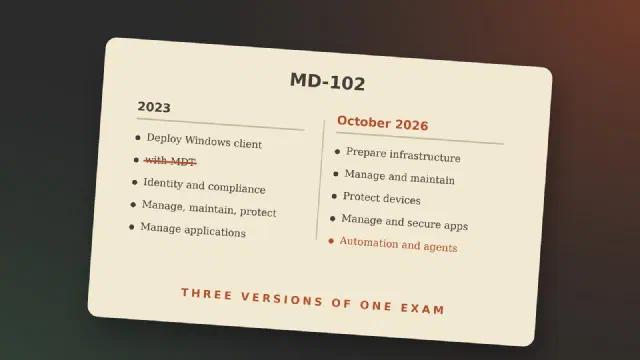
As Microsoft has been moving away from on-prem tools like SCCM and Domain Controllers to cloud they introduced a new exam to reflect this change towards the cloud and tools like Intune, Entra, and Autopilot. And for the new Endpoint Manager that also meant a new certification to replace the old MD-100 Windows Client, and MD-101 Managing Modern Desktops.
As a budding Systems Administrator, MD-102 Endpoint Administrator is a good way of learning about modern Endpoint Management and protection, as well as document my knowledge. But how much of the old ways should I also learn?
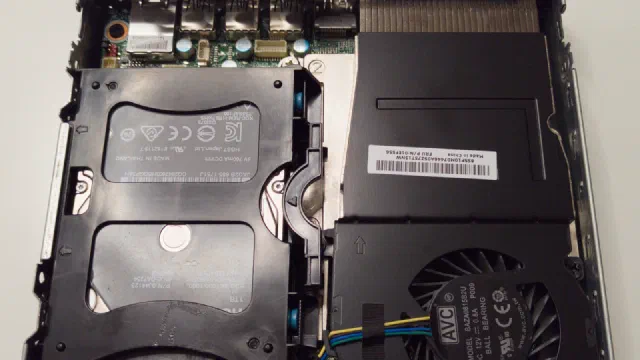
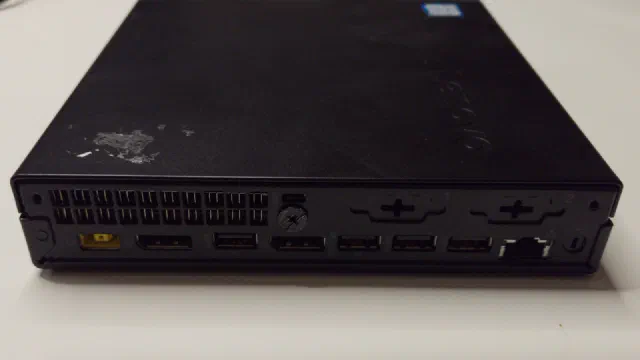
My main Proxmox server is called phoebe. It is a Lenovo Tiny PC with an AMD Ryzen 5 PRO 3400GE processor and 64 GB of RAM, and it runs a couple of LXC containers (Nextcloud among them) and a few virtual machines.
Its storage used to be an NVMe drive for booting and two spinning drives in an OpenZFS mirror: a 4 TB 2.5" hard disk drive inside the case and an 8 TB external drive connected via USB 3. That gave 4 TB of usable space, as the smallest drive in a mirror dictates the capacity.
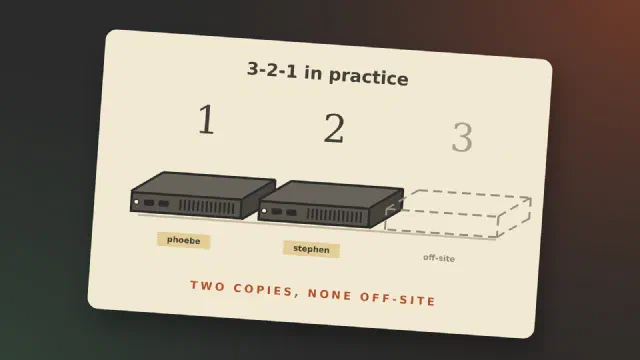
Most posts about backup explain the 3-2-1 rule and then show a setup that follows it. I can’t write that post yet. What I can do is go through the rule, hold my own homelab up against it, and show where it falls short today.
The 3-2-1 rule, briefly
Backblaze puts the rule in one sentence: “keep three copies of your data on two different media with one copy off-site” [1]. The three copies include the original, so it is the data you work on plus two more [1]. “Two different media” comes from the time of tape and CDs. Today Backblaze reads it as two different devices [1]. Off-site means a place that a fire, a burglary or a lightning strike at home doesn’t reach.
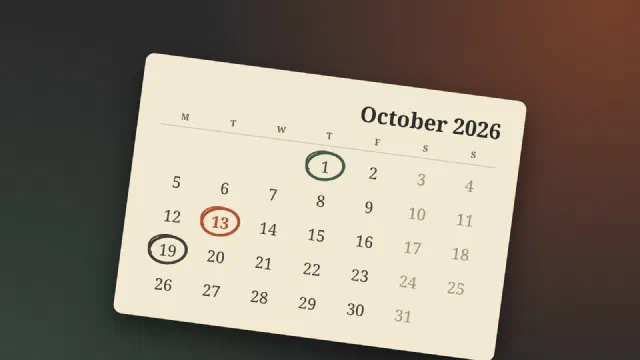
Updated 13 October 2026, after the release. This post went out the day before Patch Tuesday. It now says what actually shipped: 1,411 fixes, one of them for a flaw that is already being used in attacks, and one known issue with USB audio. The other sections are brought up to date as well.
Patch Tuesday was on 13 October, and this one was more than a batch of
fixes. Several products got their last update on the same day, three
things had already changed on 1 October, and a Secure Boot certificate
expires six days later. Here is the month as a list, with what to check
for each.
Two Windows dates have been mixed together in a lot of headlines this
autumn, so here they are, separated.
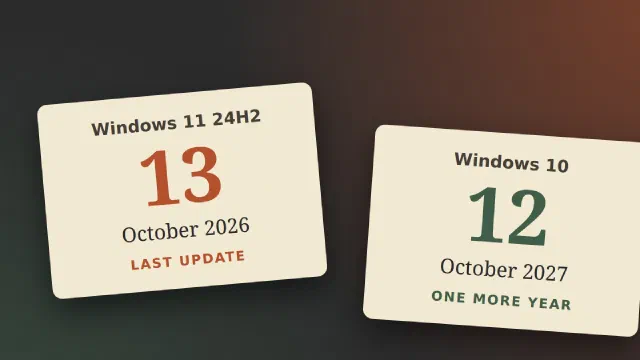
Windows 11, version 24H2, Home and Pro: the last update comes on
Tuesday 13 October 2026 [1].
Windows 10: nothing ends this month. The extended security updates
for home users, which were supposed to stop now, run until 12 October
2027 [2].
Windows 11 24H2: update to a newer version
Each yearly version of Windows 11 is only maintained for a limited
time. For Home and Pro that is two years, and 24H2 came out on
1 October 2024 [1]. After 13 October, a PC that is still on
24H2 gets no more security fixes.
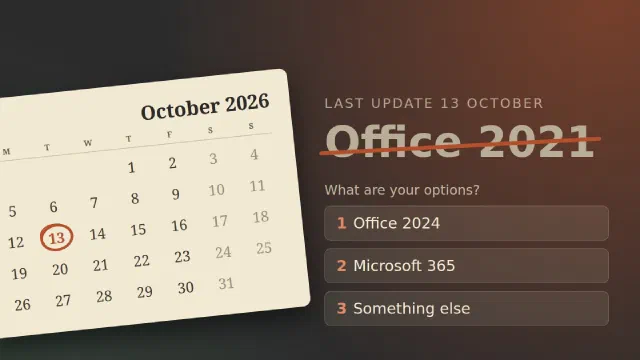
On Tuesday 13 October 2026, Office 2021 gets its last update. That goes
for the version you bought in a shop and for Office LTSC 2021, the
version organisations buy through volume licensing
[1][2]. Microsoft leaves no opening: “there
will be no extension and no extended security updates” [1].
What end of support means
Word and Excel will start on 14 October exactly as they did the day
before. “All of your Office 2021 apps may continue to function. However,
you could expose yourself to serious and potentially harmful security
risks.” [1]
This is the first part of Proxmox from scratch. By the end of it you
have a server running Proxmox Virtual Environment, reachable from a
browser and up to date. The following parts build on it: virtual
machines, containers, storage, networking and backups.
Everything here is done on Proxmox VE 9.2, which came out in May 2026
[7]. If you find an older guide for version 8, be aware that
8 stopped getting security updates on 31 August 2026 [7].
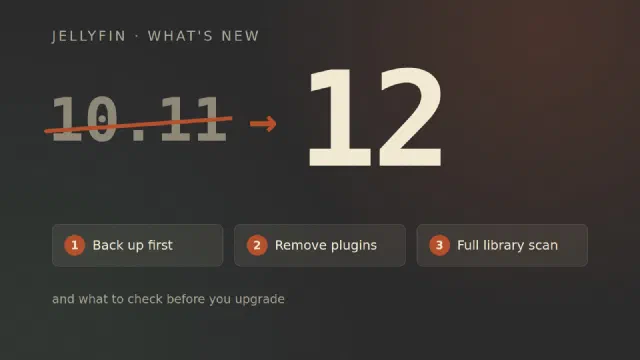
Jellyfin 12.0 came out on 7 September, and the first bugfix release,
12.1, followed a week later [1][3]. If you run
10.11 today, the next version is not 10.12 and not 11. It is 12. Here is
what is new, what breaks, and what to do before you press upgrade.
From 10.11 to 12
The number first, and a little history, because the obvious question is
why a project that began in 2018 was on version 10 at all. Jellyfin
started “in early December 2018 primarily as a result of Emby’s decision
to take their next release (4.x) closed-source”, as a fork of Emby 3.5.2
[6]. The new project wanted a clean break from Emby’s
version numbers, and chose to go up rather than down. The first Jellyfin
release, in January 2019, was 10.0.0, and the plan was “10.X.Y, with X
being major feature releases and Y being bugfixes” [7].
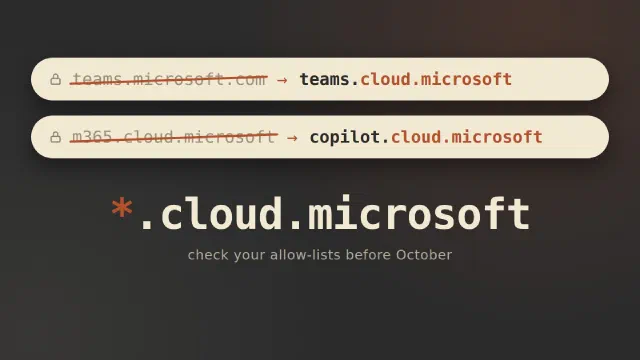
Two of the most used Microsoft 365 web addresses are changing this
autumn. Copilot is moving to copilot.cloud.microsoft and Teams on the
web to teams.cloud.microsoft. If something in your network blocks
*.cloud.microsoft, October is when your users find out.
In message center post MC1462915 Microsoft says it started redirecting
users from m365.cloud.microsoft to copilot.cloud.microsoft in early
September, in organisations where the new address is reachable. Everyone
else gets redirected in early October [1]. If the address is
blocked, the redirect happens anyway, and “affected users may be unable
to use Copilot in the web app, desktop app, and Microsoft Edge
experience” [1].
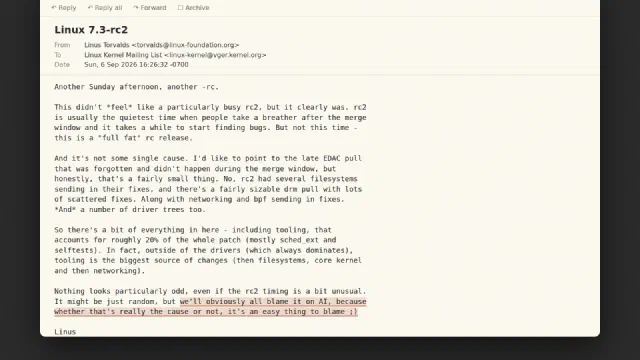
Linux 7.3-rc2 came out on Sunday 6 September, and Linus Torvalds ended
the announcement with this: “It might be just random, but we’ll
obviously all blame it on AI, because whether that’s really the cause or
not, it’s an easy thing to blame ;)” [1]. That line made the
headlines [2]. The rest of the email, where he lists what
actually made the release big, got far less attention [3].
For those of you new to self-hosting and Nextcloud itself, I would like to start this post off with a quick introduction to Nextcloud.
Nextcloud is a way of hosting your own files for yourself and a team similar to what OneDrive and SharePoint do in a Microsoft 365 environment, but without the intranet capability of SharePoint.
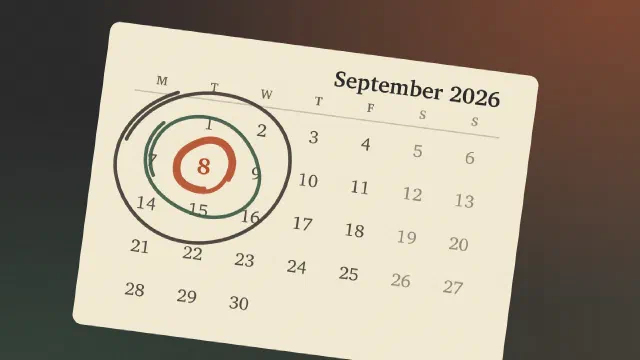
September’s Patch Tuesday was the biggest Microsoft has ever shipped, and
one of the updates in it broke copy and paste in Excel. Together they
make a good argument for something small IT departments often skip:
letting a few people get the updates first.
What shipped on 8 September 2026
A record count, however you count it
How big depends on who you ask. BleepingComputer counted 966
vulnerabilities [1], Tenable 964 [2], the Zero
Day Initiative 972 new Microsoft CVEs [3] and SecurityWeek
974 [4]. When I first noted the idea for this post I wrote
down 973, which is roughly what you get from reading enough headlines.
In the August update I promised that the site would be redesigned as we
went. A month later, most of that list is done, and the site looks and
works quite differently. Here’s what changed, and what’s coming.
A new look
The minimalistic look from early August is gone. The site now has its
own colour scheme: a dark charcoal frame around a warm parchment reading
area, with terracotta and pine green as accent colours, and a serif font
for headings.
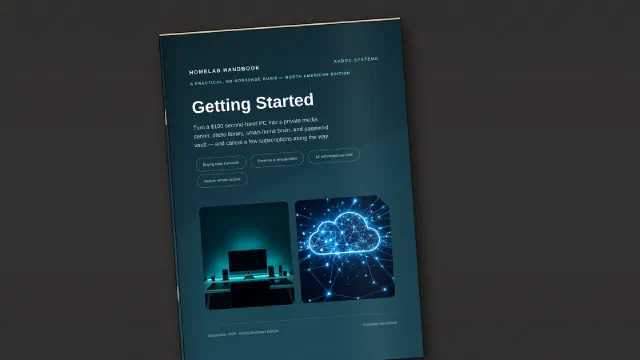
My first guide is out. Homelab Handbook: Getting Started is a
practical, no-nonsense handbook for turning an affordable used PC into
your first homelab, and it’s available now from the Kaddu Systems shop.
What it is and who it’s for
A homelab is simply a computer (or a few) that you run at home to host
services you’d otherwise pay someone else for, or hand your data to.
It can also be a playground where you can experiment and learn new skills, without affecting your production systems and important data.
Update, September 2026: a lot of what this post plans has since happened or changed. See the Site Update September 2026 for where the site is now.
Site update as of August 2026
This site has long been in a state of missing new posts. But here’s to a new lease!
It actually comes not just as a refresh, but a whole new base, as we have changed from Wordpress as a CRM to an Open Source Static site generator called HUGO. This shift should make the site delivery a lot faster, as the pages are actually pre-generated abd just needs to be served straight from the server.
This is my current book list as of early august 2026. Books I want to read, but have yet to. Some I have probably started a few times, some looked at, some just looked interesting.
I will try to post an updated list from time to time. And the plan is still to read a book all the way through and hopefully post a review of it.
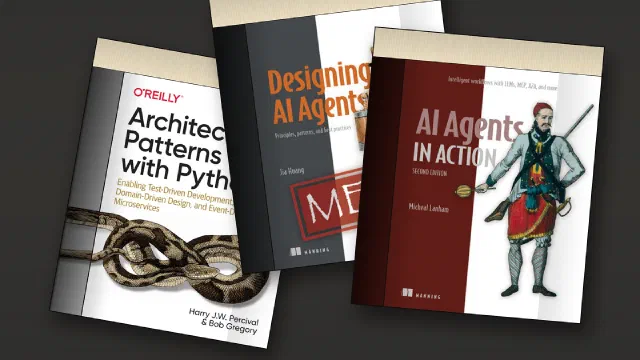
It is imperative to keep up with new knowledge in the IT business, whether it is networking, programming, AI or other areas. The following is a list of books that I have purchased and placed on my reading list. They are mainly programming books on different programming languages and frameworks. But there are also a few others on the list.
As I go through the list and complete reading each book, I will publish a review on the book. When a review is available, it will be linked here as well.
At the end of 2024, I got a small contract job doing as an End User Support Specialist at HAVI Logistics in Vejle. That meant that I could a little bit of what I did before, though it was main level 1 work, with very limited access into Microsoft 365 admin, Intune, etc. The rest of the week, I continued being a Charity Fundraiser.
Then mid-January 2025 I was offered a 2 month contract as an IT Supporter with Mansoft, providing Level 1 & 2 support from the Digital Workplace department of a manufacturing company in Stilling, as well as helping out our sister department Manufacturing IT, whenever there was an IT-related stop on a production line. This position got extended twice until late May 2025.
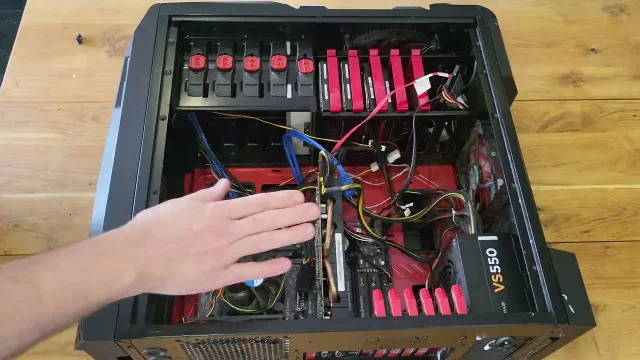
Some of my family’s data resides on a ZFS pool made up of 4 disks that are mirrored two and two. This data has been offline for a little while and I need to reconnect it to look through and reorganise our data storage. The YouTube video futher down this article documents my endeavours to get to these files and data
In this first part I will be looking at the computer I intend to use for this task and I install TrueNAS Scale. The drives are already in the server but I may need to reorganise the hardware a bit.
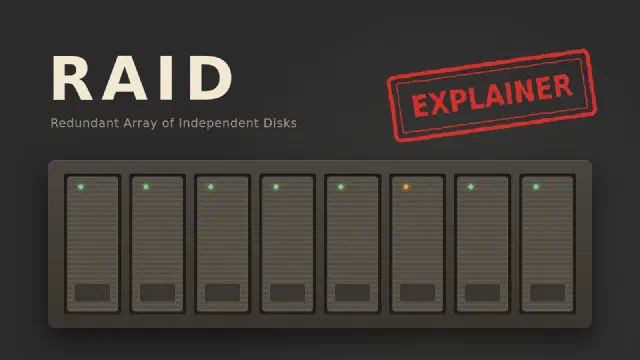
Reading about servers and storage you might have wondered: What is RAID? RAID is a method of melting multiple harddrives together to form a (often) larger logical drive. The acronym expands to either Redundant Array of Inexpensive Disks or Redundant Array of Independent Disks.
I am preparing to start the 100 Days of Homelab challenge to educate myself into the different fields of computing that interests me and that will make a difference in my life, such as an improvement of quality of life, enhancing my career, generally sparking my imagination and creative side, and perhaps a mix of them all.
I am planning a reorganisation of my home network, the main goal is to restructure my network backbone and servers so that I can protect and run them in the best way possible. One of the things I would like to do is to setup my key network and my servers is to be supported by some kind of battery backup power system, with the possibility of boosting it with solar power so as to supplement prolong the time I can run them - a) during a power cut and b) with the current energy crisis and cost of energy in mind. Currently the only server I have running 24/7 is a Raspberry Pi that carries my Home Assistant and underneath that my Unifi controller.
Huge apologies for this past years hiatus. I have not posted in more than a year. Actually my latest post was April 24th 2021. But now I am back!!!
A lot has happened since my last post. First of all I started a new job on October 1st as an IT Technician, working at a small IT company. We do IT support for small businesses and private individuals. We are mainly a Microsoft shop, but I do get to do a few other things from time to time.
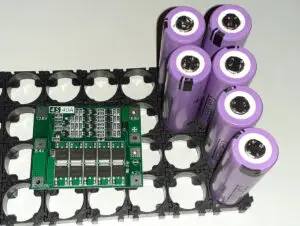
Many people have built battery packs out of both Nickel and Lithium based batteries for their own personal use. Maybe as a battery bank for a Solar system or for a smaller use case. I have been contemplating to build my own version of a standardised(ish) DIY battery pack. One that I could use for multiple applications.
I will be using 18650 Lithium-Ion batteries mostly harvested from disused laptop battery packs. If you have access to laptop batteries in chances are that you would be able to salvage at least some of their cells for this use. The challenge for the future in this respect will be the ever thinner laptops are using more custom battery cells than 18650 cells in order to become as thin as possible. Another source could be surplus battery packs for discontinued laptops and other battery operated appliances. These would then be available for purchase at sell-out prices.
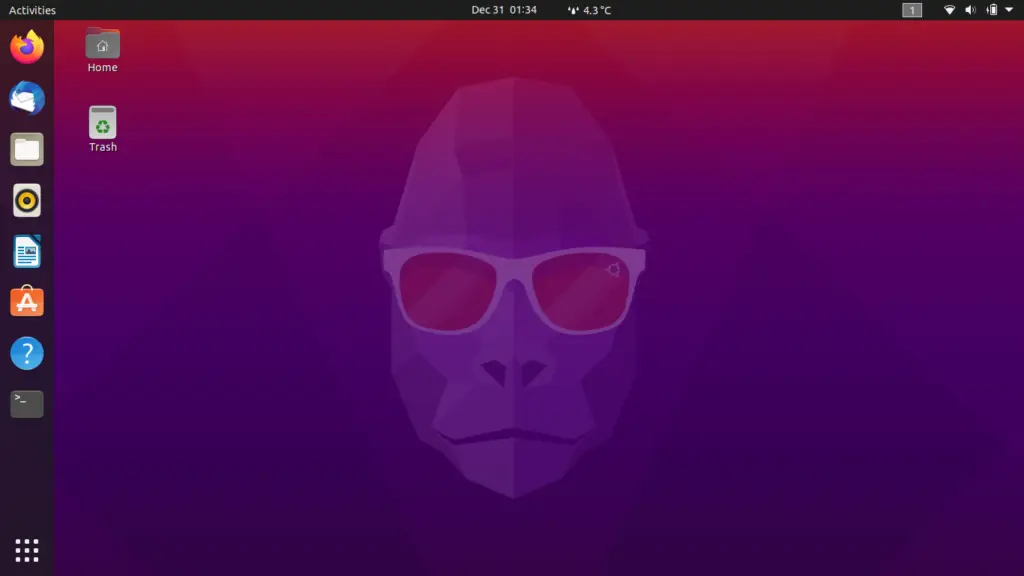
I have been using Linux for a long time. Some times with a Dual Boot setup - that is when the system starts you choose between the installed operating systems e.g. Windows and Linux. And I have been using Linux as the main desktop as well. In this post I will be exploring getting started with Ubuntu.
This write-up will document my choices and reasonings for those choice. Mainly as a reminder to myself but perhaps it can be of use to you too! It will be a “Work-in-Progress” so consider it ever-changing.
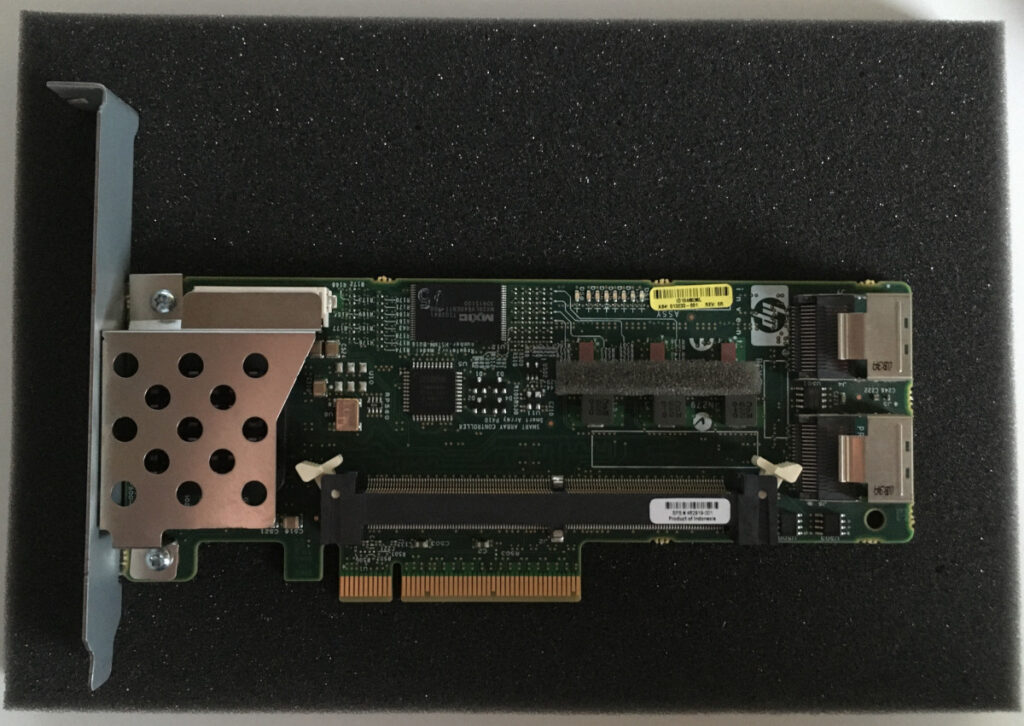
My Home Server is struggling with high IOWait under IO load and the time has come to upgrade the HP SmartArray P410 SAS/SATA controller with Write Cache.
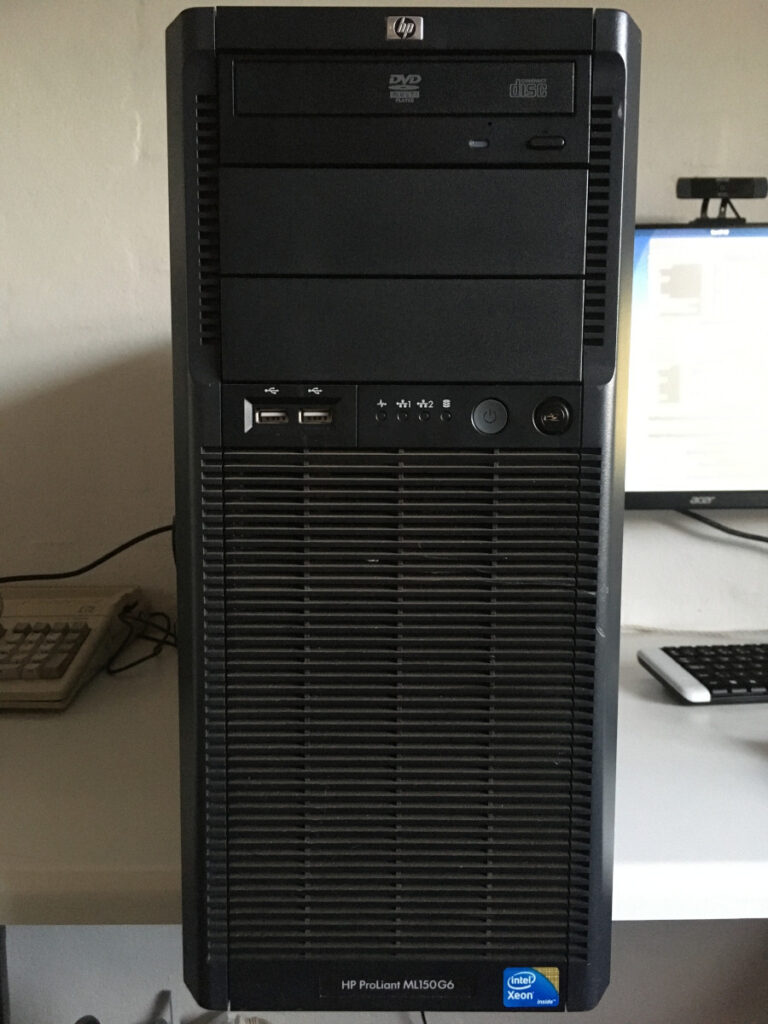
The HP Proliant ML150 G6 server that I am using for our Home Server has 2 storage controllers. It has an onboard SATA controller with 6 SATA ports. In addition to that it has an HP SmartArray P410 8 port SAS/SATA controller.
Having a Home Server enables you to host locally your files and services. It might save you some money subscribing to paid (cloud) solutions. And enable you to try out cool things like containers and Virtual Machines. In this post I will document how I setup my current Home Server. I am using an old HP Proliant ML150 G6 I was given. This is a 5U tower server from 2009 with a Dual CPU motherboard.
Update, September 2026: this post is from 2020, and prices and firmware have moved on since. A follow-up on how the EdgeRouter X has held up is planned for January 2027, as part of the Home network series.
Home network v. 1.0
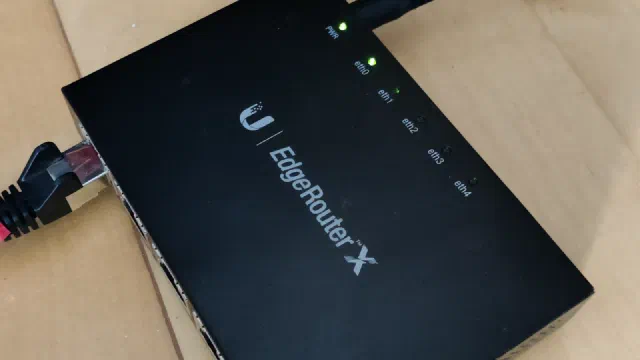
In this post I will be upgrading our home network with the Ubiquiti EdgeRouter X. Our home network is due a very needed update as it is not running optimally. We have an reasonable internet connection through our local provider. It is a Fibre connection currently running at 100/100 Mbit/s.
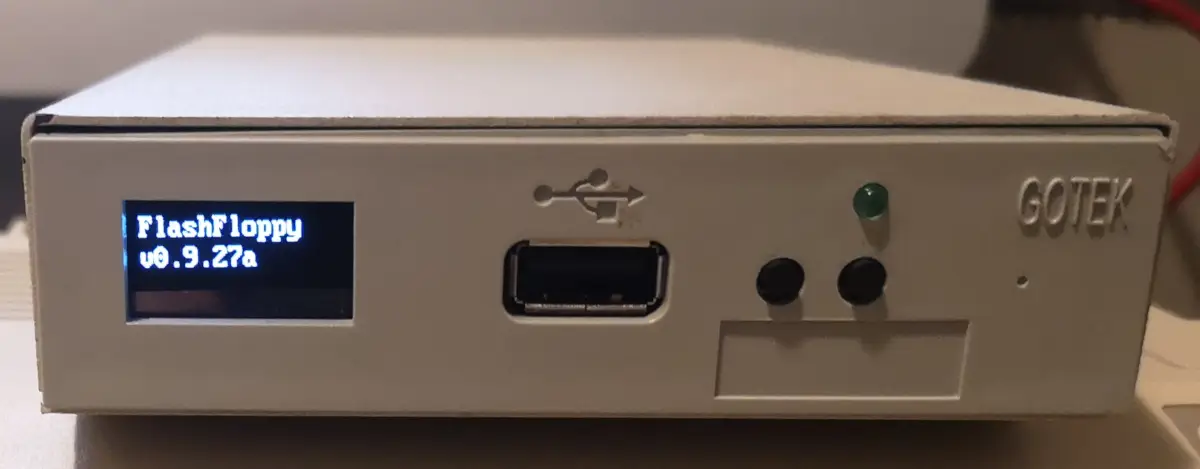
The Amiga 500 and Amiga 600 relies heavily on their builtin 3.5 inch 880 KB floppy drives. Unfortunately these drives and the floppy disks they store their information on are not aging well. In this post I will be installing a Gotek Floppy Emulator into an external 3.5" floppy drive case to solve this problem.
I originally wrote and posted this article on Amiga Retro Computing.
When I got my new old Amiga 500, I was fortunate enough to also acquire a Gotek Floppy Emulator. The Gotek basically stores images of floppy disks on a USB drive. Many legacy devices like music keyboards, knitting machines, embriodery machines, cnc machines, etc uses 3.5" floppies that are hard to come by as well as failing floppy drives.
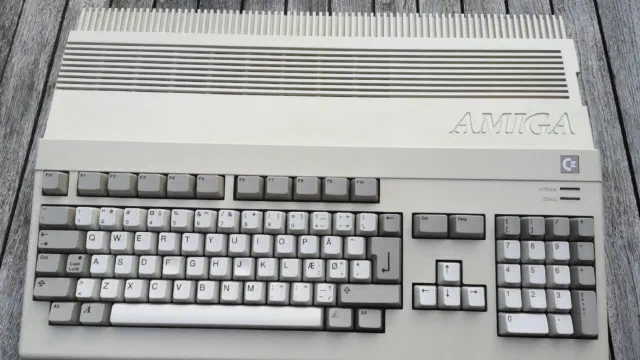
I finally got back into the Commodore Amiga in late May 2019 by purchasing a used Amiga 500. I have yet to set it up permanently but it has been running a few times. I am planning how to set it up physically as well as how my setup will be with regard to software and hardware, etc.
This article was originally posted on my old Amiga site (Amiga Retro Computing)
As you may have read in My Commodore history – part one: Commodore 64, my computer story started with a Commodore 64. Through a friend, who had an Amiga 1000 I was introduced to the Amiga world. As I remember, he later got both an Amiga 500 and Amiga 2000. He actually had an Atari ST as well.
This post originally appeared on my old Amiga site (Amiga Retro Computing).
If you have yet to read part one, you can read it here: My Commodore history - part one: Commodore 64
My history with having computers started with the Commodore 64.
This post originally appeared on my old Amiga site (Amiga Retro Computing).
In the early 1980’s when I was a child, me and my friends frequented the retail shops in town that had computers. Back then shops used to have computers on display that you could try. Only from time to time you would get told to move on.
Those days the computers were the Texas Instruments TI-99, the Power 3000 - a rebranded Lambda 8300, the Amstrad CPC 464 and the Commodore Vic 20 and Commodore 64. The ZX 81 and ZX Spectrum must have been present as well but I do not remember seeing them until later.
It is time for taking stock of my servers. My setup has evolved a bit, but not as well planned as I would like it to have. I currently have 4 servers - 5 if you count my Linode/Akamai VPS but only one of them is actual dedicated server hardware.
Servers as of February 2024
Server number 1 is a Raspberry Pi 4B 2 GB running my Home Assistant and Unifi controller. This boots off a 2.5" 250 GB SSD connected via USB.