My current Proxmox server
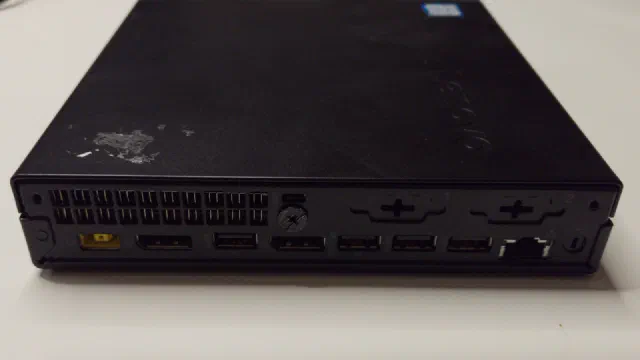
My main Proxmox server is called phoebe. It is a Lenovo Tiny PC with an AMD Ryzen 5 PRO 3400GE processor and 64 GB of RAM, and it runs a couple of LXC containers (Nextcloud among them) and a few virtual machines.
Its storage used to be an NVMe drive for booting and two spinning drives in an OpenZFS mirror: a 4 TB 2.5" hard disk drive inside the case and an 8 TB external drive connected via USB 3. That gave 4 TB of usable space, as the smallest drive in a mirror dictates the capacity.
It was never a good mirror. The 4 TB drive was already unreliable when I got it, and it was too thick for the drive bracket in the Tiny, so it lay loose in the case behind a piece of thick paper. Both drives also turned out to be shingled drives, which is not what you want under ZFS. It was not recommended, but it was what I had.
That mirror is gone. The 4 TB drive died, and the 8 TB drive moved to my backup server, more on that below. In May 2026, after we moved house, I installed Proxmox on phoebe again from scratch, and today everything on it lives on the single NVMe drive.
Why I need a new server
With one server, every update is a small gamble. When phoebe needs a new kernel or a new Proxmox release, everything running on it goes down with it, and if the upgrade goes wrong, it stays down until I have fixed it.
So the new server is not a replacement but a second hypervisor. When phoebe needs maintenance, I can move the containers and virtual machines over to it first, and move them back afterwards.
My original plan for this post was a different one: a bigger machine with room for 3.5" hard drives. I have since changed my mind about where the storage should live, and I explain that in the last part of the hardware section.
Hardware
The new server: a second Lenovo Tiny
The new server is another Lenovo Tiny, this one with a 7th generation Intel Core i5 processor and 32 GB of RAM. It is the same small one-litre format as phoebe, so it uses little power and makes almost no noise.
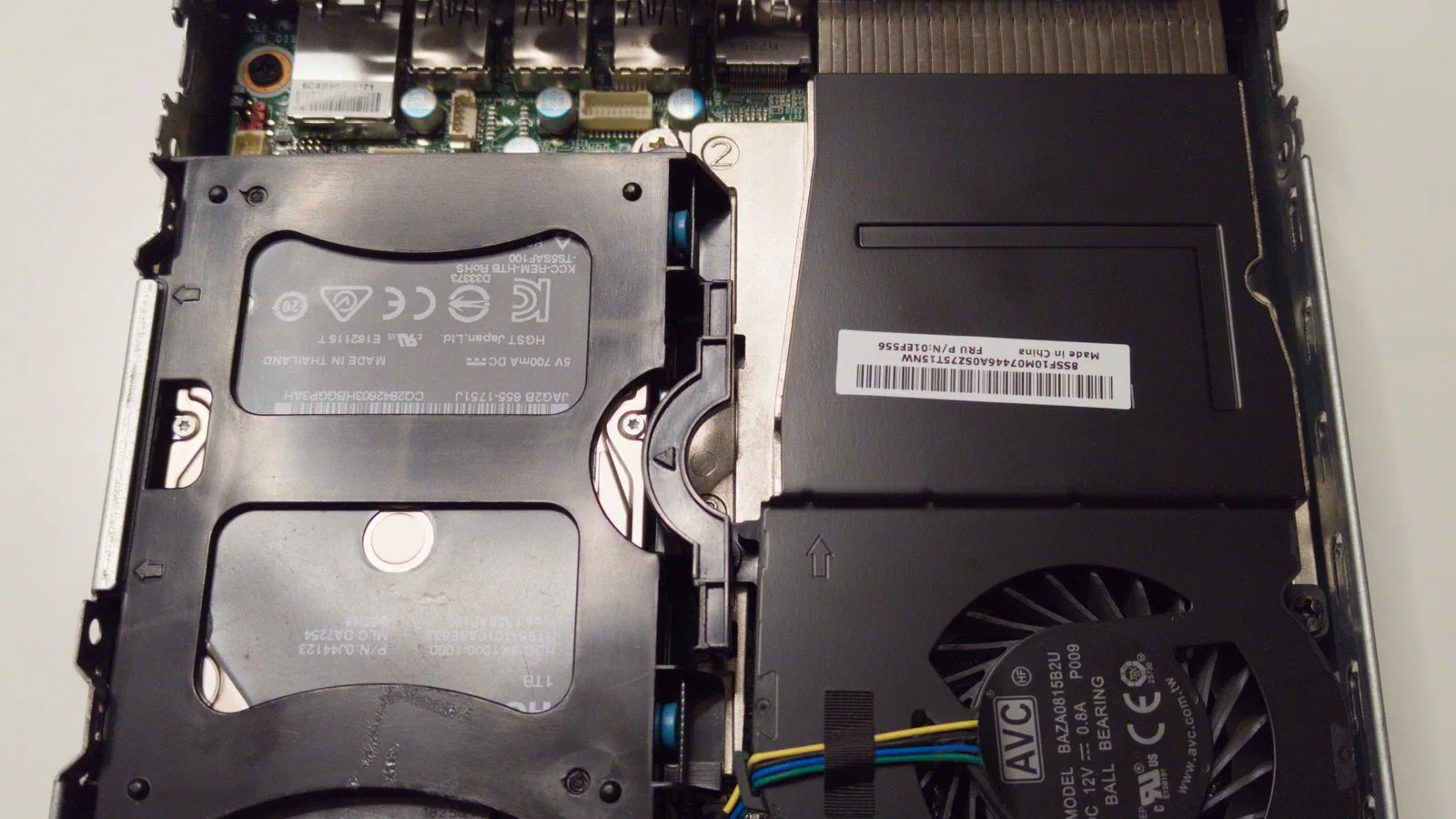
It has a 2 TB NVMe drive for Proxmox and the guests, and a 1 TB 2.5" hard drive in the bay, which I am testing before I trust it with anything.
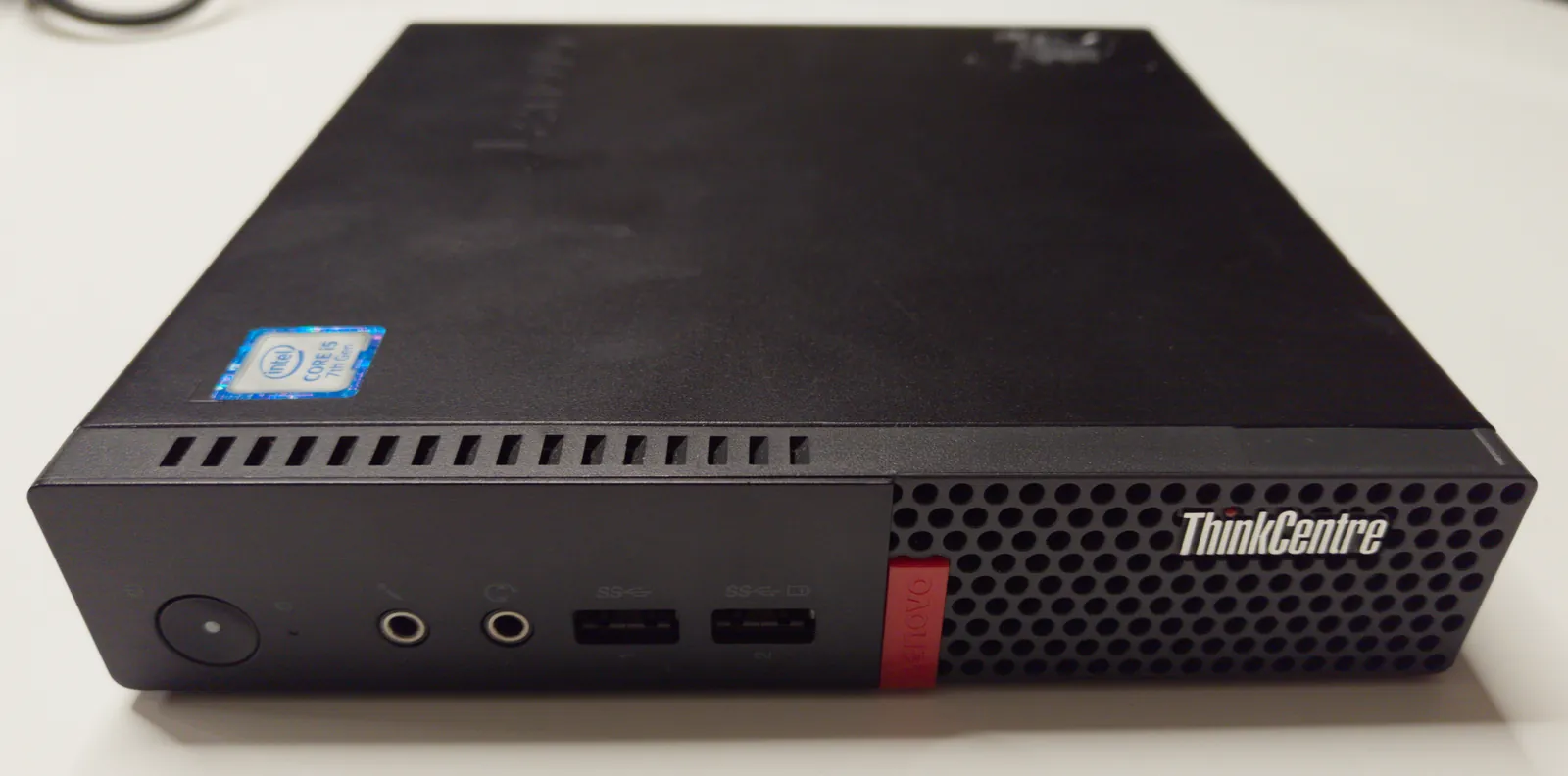
It is also the machine I use in the Proxmox from scratch series, so if you want to follow the installation step by step, that is the place to look.
The backup server: stephen
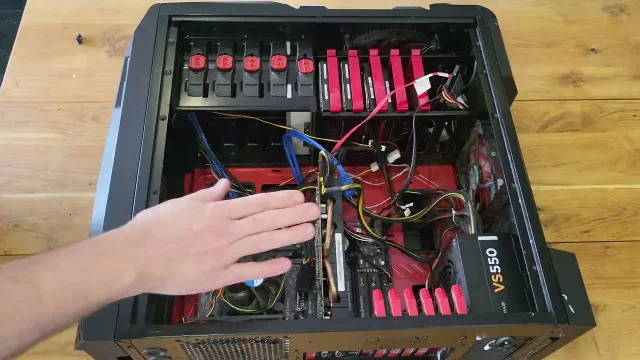
My third machine is stephen, which used to be a friend’s gaming PC. It is an ordinary tower build with an Asus motherboard, a 4th generation Intel Core i5 processor and 24 GB of RAM. What makes it useful is the SAS/SATA controller card in it, which gives it room for many more drives than the motherboard alone.
stephen holds my large storage pool: six hard drives in a RAIDZ2, which means any two of them can fail without data being lost. The 8 TB drive from phoebe’s old mirror is one of the six. Its job is to be the place my backups go, not to run containers or virtual machines. For now it also holds our photos and other files that are stored nowhere else, which is more than a backup server should be trusted with, and something I am working on.
A while ago I looked at 2U rack cases for stephen to move into, but nothing came of it yet.
A donated Lenovo SFF PC becomes the router
I have also been given an older Lenovo small form factor PC with a 4th generation Intel Core i3 processor. In the first version of this post it was going to be my next Proxmox server, because it has what the Tiny lacks: room for 3.5" drives and PCI Express cards.
It is too small for that job, though. Instead it is going to be my router, and I have bought a PCI Express network card with two 1 Gbit ports for it.
Where the storage goes next
What I would like is a NAS: a separate machine with two large hard drives in a mirror for all the data I use every day, so the hypervisors only hold the containers, the virtual machines and their databases on fast NVMe storage. stephen would then be purely a backup target.
That is still a plan, or rather a dream. I have not decided what hardware it will be, or whether it ends up in a 2U or a 4U rack case.
Installing Proxmox
I have installed Proxmox VE 9.2 on the new Tiny from the ordinary installer, with ZFS on its NVMe drive. phoebe was installed the same way in May.
I have written the installation out step by step in Setting up a Proxmox Virtual Environment server, on this very machine, so I won’t repeat it here.
A ZFS pool on a single drive has no spare copy of anything. If the drive dies, what was on it is gone. I accept that on phoebe because everything on it is copied to stephen once an hour, and on the new server because nothing lives there yet that I could not make again.
Initial Proxmox configuration
Package repositories and updates
The first thing I do on a new Proxmox server is always the same: switch it to the no-subscription package repository, and install the updates. A fresh install points at the enterprise repository, which needs a paid subscription, so until that is changed the server gets no updates at all. The steps are in the installation post as well.
Storage: one NVMe now, tiered storage later
Both Tinys have one NVMe drive each, and for now everything is on it.
On phoebe I have still divided the drive as if there were two kinds of storage. One group of datasets holds what needs to be fast: the containers, the Nextcloud application and its database. Another holds the bulk data, which today means the files people have put in Nextcloud. Both groups are on the same NVMe drive, so the split gives no speed and no extra space yet. What it gives is a line to cut along. The day there is a second, larger drive, the bulk data can move to it without the rest being touched.
That is what I mean by tiered storage: applications and databases on the fast drive, and the large, slow-moving data, such as files, photos and films, on something bigger and cheaper.
My first idea for the second tier was a 2.5" hard drive in the Tiny’s empty bay. I have given that up. As far as I can find, 2.5" hard drives of 3 TB and more are nearly all shingled drives, and I have had enough of those. A 2.5" SSD is the more likely choice, and in the longer run the bulk data belongs on the NAS described above.
Moving containers and virtual machines between the two
The reason for the second server was to be able to empty phoebe before maintenance. That part is not finished.
What I am aiming for is a cluster: the two servers joined, so that a container or a virtual machine can be moved from one to the other from the web interface. A cluster of two has a weakness, though. Each server has one vote, and when one of them is off, the other is no longer in the majority and refuses to start or change anything. The cure is a third vote from a small service on a third machine, and I have not yet decided where that should run. Until I have, the two servers stand side by side, each on its own.
That does not leave me stuck. A backup in Proxmox contains “the VM/CT configuration and all data” [1], so a guest can be backed up on one server and restored on the other. It means a break while it happens, which a home can live with.
The two servers also have processors from different makers, an AMD and an Intel. I expect to move guests while they are shut down, and not to count on moving them while they run.
The cluster and the moving get their own parts in the Proxmox from scratch series when I get there.
Where that leaves me
I now have three machines with one job each. phoebe runs the services. The new Tiny stands by, and is where I try things out. stephen keeps the backups. The router and the NAS are still to come.
Sources
- Backup and Restore (Proxmox VE 9.2 documentation), pulled 2026-10-09