Having a homeserver lets you host your own services. There are a lot of ways to do this. This post explains what a hyperconverged hypervisor is, why I want one, and why I don’t have one yet.
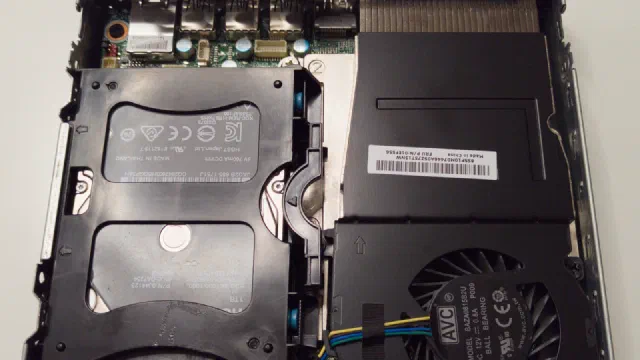
I do not have the luxury of buying new specific hardware that fits the jobs I am looking to solve. I often have to make do with 2nd (or even 3rd) hand hardware to be able to have the systems that run both my business as well as protect our personal data such as photos and important documents.
Luckily it is not necessary to have the latest and greatest in hardware to solve your home and business IT needs.
A homeserver lets you run multiple services for production and at the same time it lets you experiment and learn some of the tools and principles you need in an IT related role.
What is a Hypervisor?
In the olden days servers ran on physical hardware - one server per server machine. If you ran multiple services on the same server you risked that if one service got compromised, it would compromise the whole server with all its services.
The early virtualisation systems came in the 1960’s with IBM’s CP-40 and CP-67 [2], later in 1972 IBM put hardware-assisted virtualisation into their System/370, but a more general use of VMs and hypervisors came when both Intel and AMD introduced hardware supported virtualisation into their mainstream processors in 2005/06 [3].
So basically a hypervisor is a special version of the supervisor, that instead of running a modern multi-threaded operating system provides a virtual operating platform complete to a guest operating system [1]. These guest operating systems may or may not be of the same architecture - if not, that architecture will be emulated.
What is convergence and hyperconvergence?
Non-converged Architecture
In a non-converged architecture, compute and storage are divided into separate boxes. One or more compute boxes with VMs running on them are connected to one or more storage boxes, these being connected as Direct Attached Storage (DAS), Network Attached Storage (NAS), and/or a Storage Area Network (SAN).
The idea behind this architecture is to optimise each box for its own role. By off-loading storage functions to the storage boxes, the compute boxes will be able to concentrate on providing compute power.
Converged Architecture/Converged Infrastructure (CI)
In a non-converged architecture as each box does only one thing, either compute or storage, the connection(s) between them becomes the bottleneck. This can - in part - be remediated with high-speed networking such as 10, 25, 100 and even 400 Gbit/s fibre networks or InfiniBand networks. These are quite expensive, although 10 Gbit/s Network Interface Cards (NIC) and switches have become quite reasonably priced lately.
Hyperconverged Architecture/HyperConverged InfraStructure (HCI)
Hyperconvergence takes the last step: compute and storage live in the same machines, and software ties them together, instead of a separate storage box at the other end of a cable [4]. Proxmox VE can do this in two ways: with Ceph, which spreads the storage over several servers, or with ZFS on each server’s own drives [5].
Ceph is the way for a cluster, and it asks a lot: “at least three (preferably) identical servers”, and a network of at least 10 Gbit/s used only for Ceph [7]. That is not a homelab I have, or one I am going to have.
ZFS on a single server is the small version: the virtual machines and containers run on the same box as the drives that hold their data.
Why hyperconvergence makes sense in a homelab
At home, the attraction is simple. One box instead of two means one power supply, one set of fans and one machine to keep updated. The guests reach their data at the speed of the drives, not the speed of the network, so there is no need for 10 Gbit/s networking. And when something goes wrong, there is one place to look.
The price is that the one box has to be good at both jobs at once: room for the drives, memory for the guests and for ZFS, and a processor that can carry the services.
The plan: Proxmox and OpenZFS in one box
The software is the easy part, because I already run it. Proxmox VE 9.2 as the hypervisor, the same as on my two Lenovo Tinys, and OpenZFS for the storage.
The drives I have in mind are four 3.5" hard drives in one pool, made of two mirrors. Each mirror is two drives with the same data, and the pool stripes the data across the two mirrors. Usable space is the size of two of the drives, and the pool stays up as long as each mirror has at least one healthy drive [6]. When the pool needs to grow, another mirror can be added.
Mirrors rather than RAIDZ, because the pool is going to hold virtual machines. For running VMs, Proxmox’s ZFS documentation says, “IOPS is the more important metric in most situations”, and mirror vdevs “have favorable behavior for VM workloads” [6]. The operating system, the containers and the databases would sit on an NVMe drive, as on my Tinys today, with the bulk data on the mirrors.
Memory is the other half. ZFS keeps a cache in memory, and the rule of thumb in the same documentation is “at least 2 GiB Base + 1 GiB/TiB-Storage” [6], on top of what the guests need.
Alternatives: Ceph, TrueNAS and friends
Ceph is out for the reason above: it needs three servers. TrueNAS would turn the plan around and make storage the main job, with virtual machines on the side. I would rather keep Proxmox, which I know, and let ZFS do the storage inside it.
Why none of my machines can be it
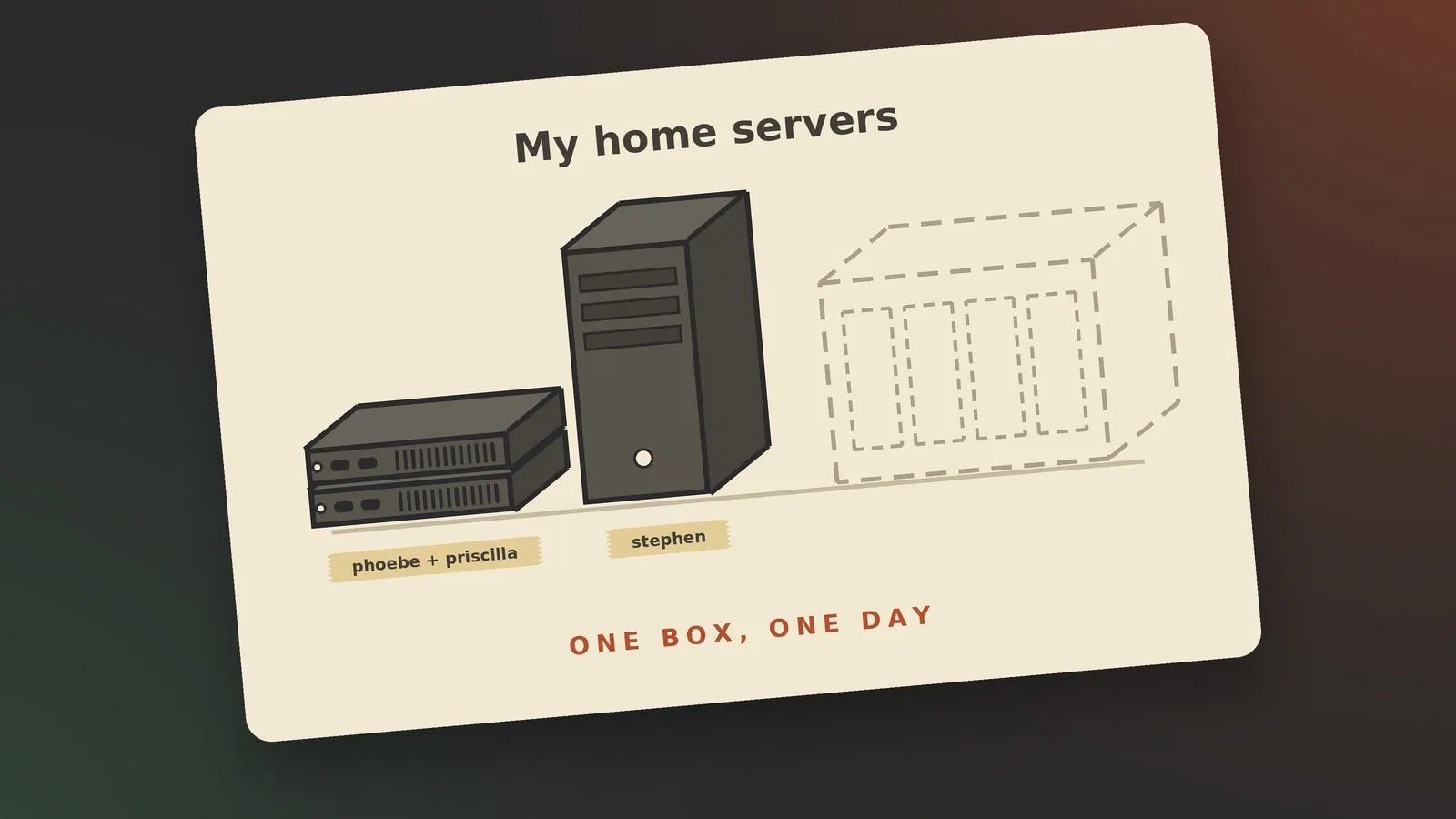
I have three servers, and each of them has one or two of the three things the plan needs, never all three.
| Room for drives | Memory | Processor | |
|---|---|---|---|
| stephen | Plenty: an HBA card and a drive cage for eight 3.5" drives | 24 GB DDR3, 32 GB at most | Intel Core i5-4440, 4th generation, 4 cores |
| phoebe (Lenovo Tiny) | One NVMe drive, one 2.5" bay | 64 GB | AMD Ryzen 5 PRO 3400GE |
| priscilla (Lenovo Tiny) | One NVMe drive, one 2.5" bay | 32 GB | Intel Core i5-7500T, 7th generation |
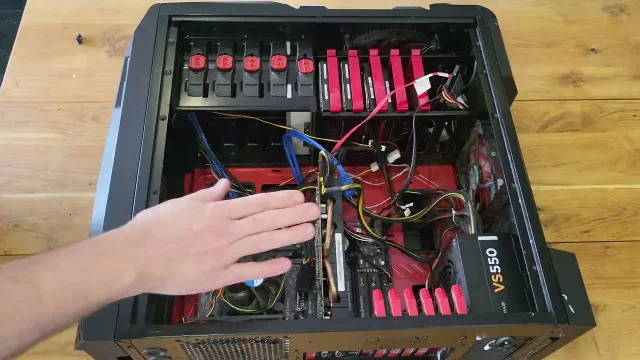
stephen comes closest on paper. It has room for the drives, and it can run both virtual machines and containers. But it is heading the other way, towards being a storage and backup server, and its processor is from 2013, with at most 32 GB of DDR3 memory. Its storage pool already uses a good part of the memory it has.
The two Tinys are the opposite. They have the memory and the processors to run most of my services, but each has room for one NVMe drive and one 2.5" drive, and that’s it. As far as I can find, 2.5" hard drives of 3 TB and more are nearly all shingled, which is not what you want under ZFS.
So what I have is two compute boxes and a storage box: a non-converged homelab, more or less by accident.
What I would build
The dream is one of 45HomeLab’s servers, the homelab brand of 45Drives [8]:
- X4: four 3.5" drive bays without tools, an Intel Core Ultra 5, DDR5 memory and NVMe storage. It ships with Unraid; I would put Proxmox on it.
- HL15 2.0: a 15-bay open-platform homelab server.
- HL15 Beast: 15 bays for a mix of hard drives and SSDs, with NVMe, fast networking and up to 512 GB of ECC memory.
The X4 is the closest to the plan, four drives and a modern processor in one box. The HL15 models are far more than I need, which is part of why they are a dream.
The realistic version is a newer motherboard, processor and memory in a rack case with room for four 3.5" drives, which is exactly the two mirrors above. It does not have to be new either. A second-hand board with an 8th-generation Intel Core i5 and 64 GB of memory would do the job.
A bigger box also has room for something the Tinys will never take: a proper graphics card. That would let me run a large language model at home, either on its own or as the AI behind Nextcloud. Intel’s Arc Pro B60 has 24 GB of memory and the B70 has 32 GB [9], and the B70 launched at a list price of $949 [10]. An NVIDIA card is the other option, and for Nextcloud it matters which one: Nextcloud’s own app for a local language model only supports NVIDIA graphics cards [11], but Nextcloud can also use a self-hosted Ollama or LocalAI server [12], so the card doesn’t have to be NVIDIA as long as the server in between can use it.
Right now I don’t have the money for any of them, so the plan stays a plan.
Conclusion
A hyperconverged hypervisor is still where I want to end up: one server that holds the drives and runs the services, with Proxmox and ZFS. Until I can afford it, my services run on the two Tinys, and the storage and the backups live on stephen. When the money is there, the plan is ready.
Sources
- Hypervisor (Wikipedia), pulled 2026-09-26
- IBM CP-40 (Wikipedia), pulled 2026-09-26
- x86 virtualization (Wikipedia), pulled 2026-09-26
- Hyper-converged infrastructure (Wikipedia), pulled 2026-09-26
- Hyper-converged Infrastructure (Proxmox VE wiki), pulled 2026-09-26
- ZFS on Linux (Proxmox VE wiki), pulled 2026-10-19
- Deploy Hyper-Converged Ceph Cluster (Proxmox VE wiki), pulled 2026-10-19
- 45HomeLab: the X4, HL15 2.0 and HL15 Beast, pulled 2026-10-19
- Intel Arc Pro B60 vs. B70 for local LLMs & AI (TechTactician), 2026-06-16, pulled 2026-10-19
- Intel launches the Arc Pro B70 with 32 GB of VRAM for $949 (Igor’s Lab), pulled 2026-10-19
- App: Local large language model (llm2) (Nextcloud 36 admin manual), pulled 2026-10-19
- AI as a Service, OpenAI integration (Nextcloud 36 admin manual), pulled 2026-10-19