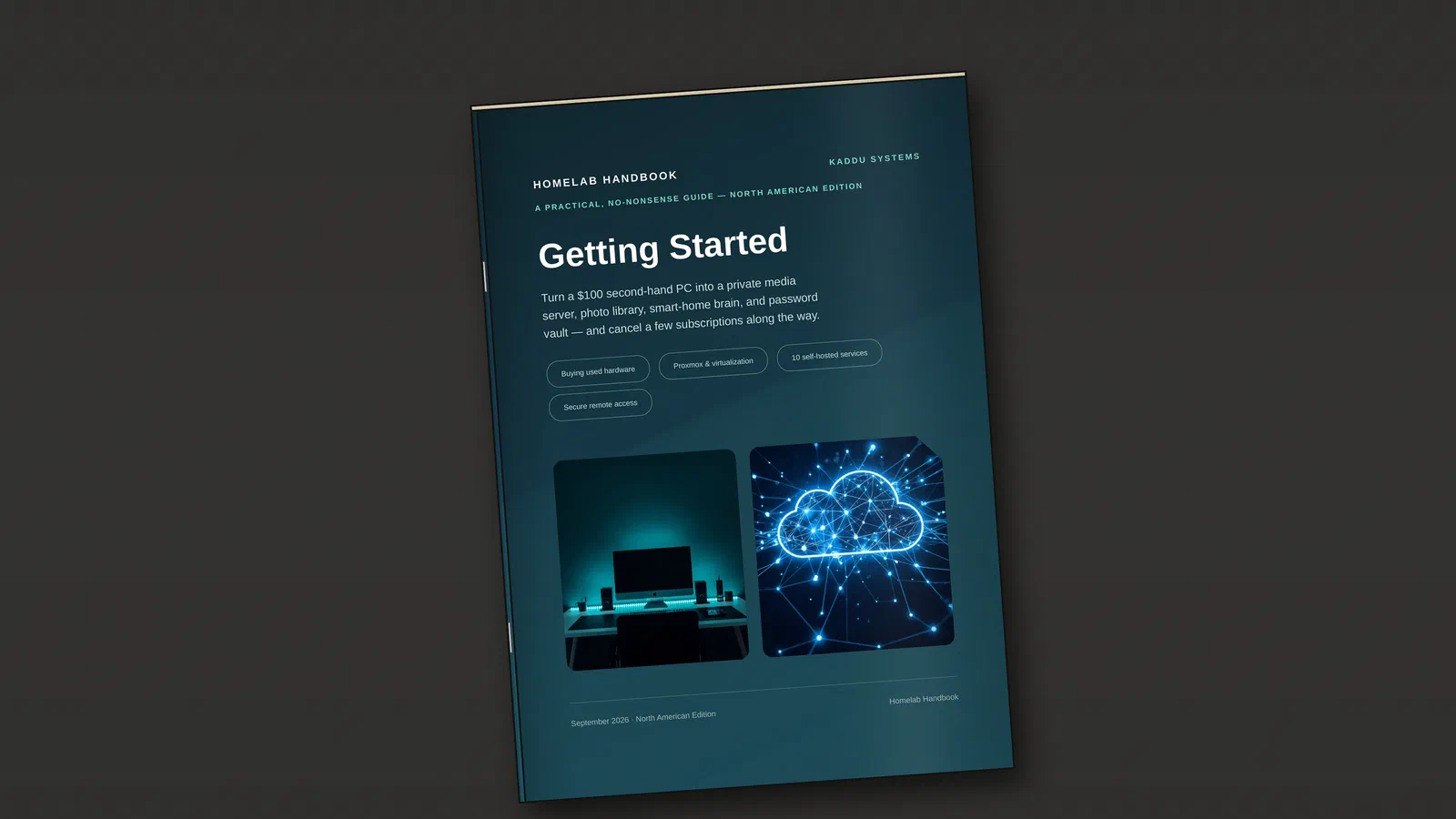
My first guide is out. Homelab Handbook: Getting Started is a practical, no-nonsense handbook for turning an affordable used PC into your first homelab, and it’s available now from the Kaddu Systems shop.
What it is and who it’s for
A homelab is simply a computer (or a few) that you run at home to host services you’d otherwise pay someone else for, or hand your data to.
It can also be a playground where you can experiment and learn new skills, without affecting your production systems and important data.
The guide sits in the practical middle: one used desktop PC, repurposed as a quiet, low-power home server, running a handful of genuinely useful services. No rack of enterprise servers required.
You don’t need to be a network engineer. If you’re comfortable installing software, pasting a terminal command and reading an error message instead of panicking at it, you can build everything in the guide over a weekend.
Why I wrote it
I’ve been running servers at home for years, from an old HP ProLiant ML150 G6 to the Proxmox setup I run today, and wrote about parts of it here along the way. What I kept missing was one place that goes from “I have an old PC” to “my family, or even small business actually uses this every day” without assuming you already know the jargon. So I wrote it.
What’s inside
The guide walks through the whole build, in order:
- Finding a used PC worth buying, and what to avoid
- Hardware, storage and networking basics
- Proxmox as the hypervisor everything runs on
- The services people actually end up using: Jellyfin, Immich, Nextcloud, Vaultwarden, Home Assistant, AdGuard Home, the *arr stack, Paperless-ngx, Navidrome and Uptime Kuma
- Secure remote access with Tailscale
- A closing checklist, and where to go next when you want to upgrade
North America and Europe editions
There are two editions with the same content. They differ in where to buy used hardware, the prices quoted and the electricity costs used in the running-cost examples. Pick North America or Europe at checkout, whichever matches where you live.
Get the guideFree sample
Not sure yet? The free sample has the first two sections in full: what a homelab is and why bother, and how to find a used PC worth buying. It’s also the easiest way to hear about new guides and editions.
Get the free sampleWhat’s next
Getting Started is the first of a series. Guides on backup servers, NAS builds and running a local LLM are planned, though none of them has a date yet. Everything about the series, and the deeper write-ups on Proxmox, Nextcloud and the other services, collects on the Homelab Guides page here on j-cave.dk.
Homelab Guides