In part 1 Jellyfin got its first library. This part is about what to do
before you copy the next one in: how to name folders and files so
Jellyfin recognises them the first time.
Why naming matters
Jellyfin does not look inside a film to find out what it is. It reads
the folder name and the file name, looks that up with a metadata
provider, and fetches the title, the poster and the description. A
good name gives the right film. A bad one gives the wrong film, a
remake from another decade, or nothing.
This is the first part of Jellyfin at home. By the end of it Jellyfin
12 is running on my Proxmox server, it answers in a browser, and the
first library is in. The parts after this one are about naming the
files so Jellyfin recognises them, hardware transcoding, apps and remote
access, and backups and upgrades.
This is my own Jellyfin server being built, not a demo. I write down
what I did, including what I would do differently.
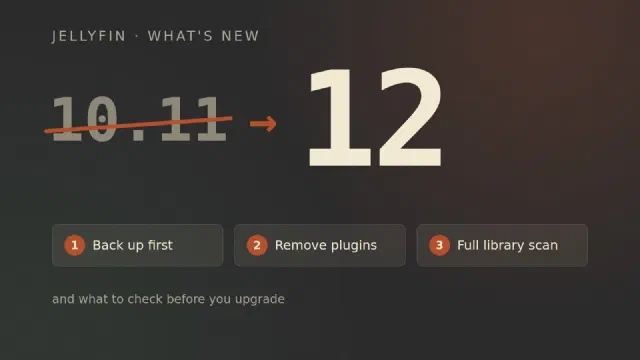
Jellyfin 12.0 came out on 7 September, and the first bugfix release,
12.1, followed a week later [1][3]. If you run
10.11 today, the next version is not 10.12 and not 11. It is 12. Here is
what is new, what breaks, and what to do before you press upgrade.
From 10.11 to 12
The number first, and a little history, because the obvious question is
why a project that began in 2018 was on version 10 at all. Jellyfin
started “in early December 2018 primarily as a result of Emby’s decision
to take their next release (4.x) closed-source”, as a fork of Emby 3.5.2
[6]. The new project wanted a clean break from Emby’s
version numbers, and chose to go up rather than down. The first Jellyfin
release, in January 2019, was 10.0.0, and the plan was “10.X.Y, with X
being major feature releases and Y being bugfixes” [7].