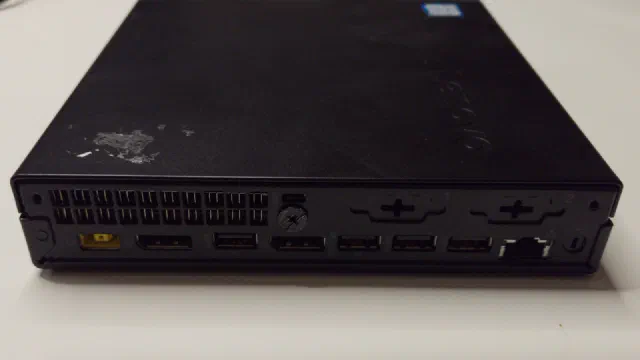
Proxmox VE is the hypervisor my whole homelab runs on, and this is where I write down how to set it up and keep it running. Everything here is for Proxmox VE 9, tried on my own machines first: a small, low-power server rather than a rack of enterprise gear.
The main thread is the series Proxmox from scratch (all parts), one step at a time:
- Installing Proxmox VE and the choices worth making up front: hardware, disks and ZFS.
- Virtual machines and LXC containers: when to use which, and how to set them up.
- Storage and networking inside Proxmox.
- Backups of your VMs and containers.
- A three-node cluster, moving guests between the nodes, and passing the built-in GPU through to a guest.
If you’re starting from nothing, the Homelab Handbook covers the whole journey from a used PC to a running home server in one short guide, and its Proxmox chapter is the short version of this series. The posts here are the deep dive.