This is where I write down the admin side of Microsoft 365: the settings, decisions and mistakes behind keeping a small Microsoft 365 environment running. Much of it comes from my work in IT support for small businesses, where there’s no IT department and one person looks after the whole tenant. I write it down mostly so I don’t have to relearn it next time, and in case it saves you the same trouble.
What you’ll find here:
- Setting up and licensing a tenant: from a brand-new tenant to choosing between Business Basic, Standard and Premium.
- Security without locking yourself out: Conditional Access, MFA and the other settings that matter most in a small tenant.
- Updates and Patch Tuesday: a short heads-up on the Monday before every Patch Tuesday, and why ring-based deployment beats updating everything at once.
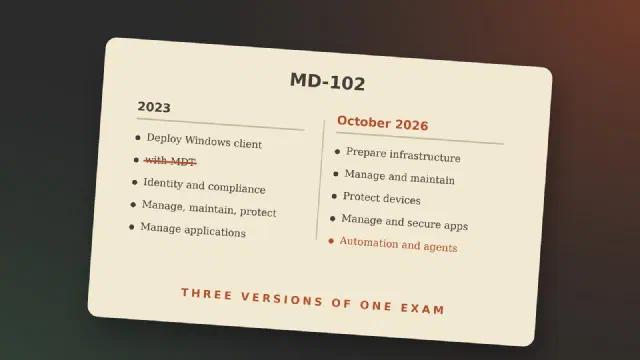
- Devices and Intune: including notes from the MD-102 exam.
- Email, retention and Copilot: migrating mail without surprises, why retention isn’t backup, and why Copilot administration is becoming its own discipline.
From February 2027 there’s also a series, Microsoft 365 for a small business, that goes through it step by step: a new tenant, licences, Conditional Access, email migration and retention.